1
Configuring PC in Windows 2000
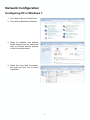
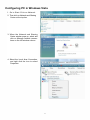
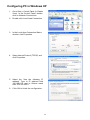
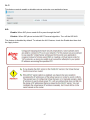
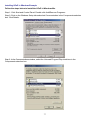
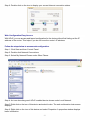
1. Go to Start > Settings > Control Panel.
In the Control Panel, double-click on
Network and Dial-up Connections.
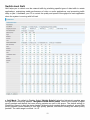
2. Double-click Local Area Connection.
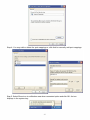
3. In the Local Area Connection Status
window click Properties.
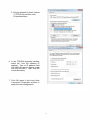
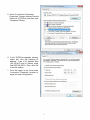
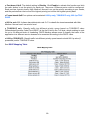
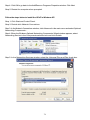
4. Select Internet Protocol (TCP/IP) and
click Properties.
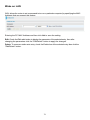
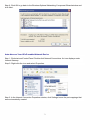
5. Select the “Use the following IP
address”. Type to IP address field
192.168.0.10 and to Subnet mask field
255.255.255.0
6. Click OK to finish the configuration.
15