1
Chapter 3. Getting Started
3.5. Programming Software:
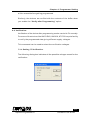
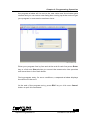
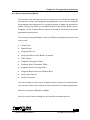
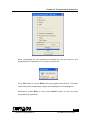
Whenever the software is activated, an opening screen comes alive in
the personal computer that presents an About Window to display version
details and manufacturers reference.
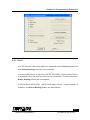
Press OK button to close this About box. The software presents a menu
bar and also a tool bar. Like any other Windows software, when the cursor
is placed over the menu, the relevant explanation is displayed in the status
bar of the window. The status bar also gives appropriate messages when
any operation is carried out.
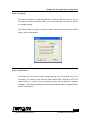
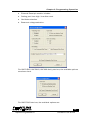
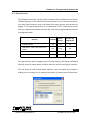
The status bar gives details of the current selected device, COM port
status and mode of operation. These details are updated each time when
there is a any change in the selection.
15
Topview Programmer A
Software User Guide