1
90
PrimaCode™ Transform User's Guide
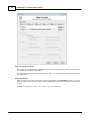
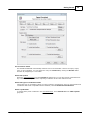
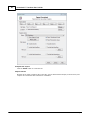
Point identifier filters
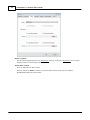
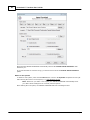
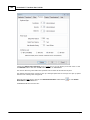
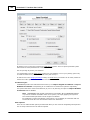
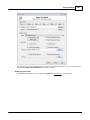
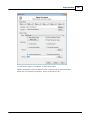
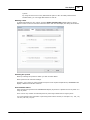
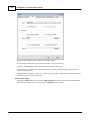
Point identifier filters are comprised of single point identifiers mixed with point identifiers that
describe a range of points.
Each filter must be separated with a comma, for example: 101, 102, 110, 115-125, 135-150, 175,
etc.
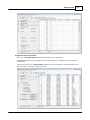
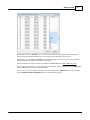
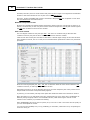
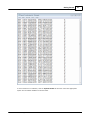
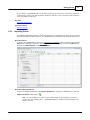
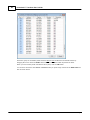
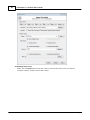
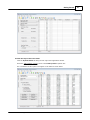
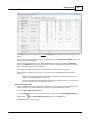
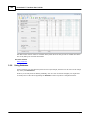
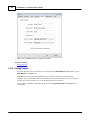
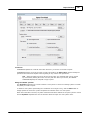
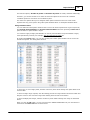
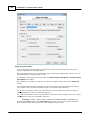
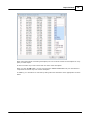
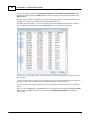
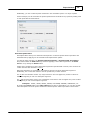
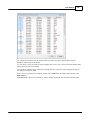
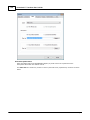
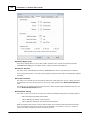
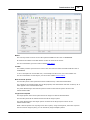
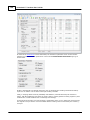
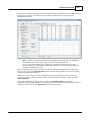
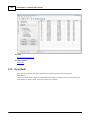
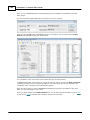
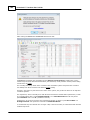
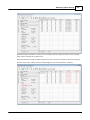
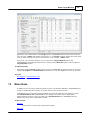
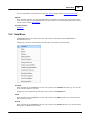
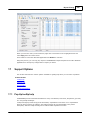
Select points dialog
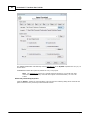
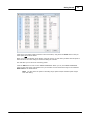
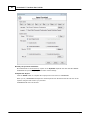
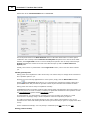
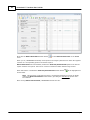
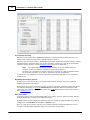
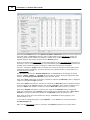
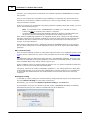
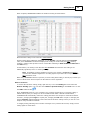
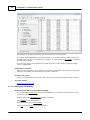
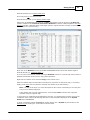
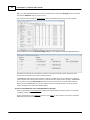
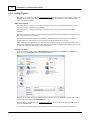
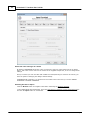
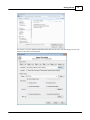
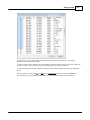
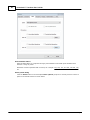
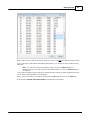
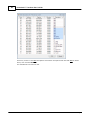
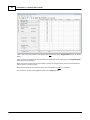
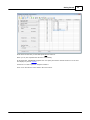
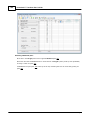
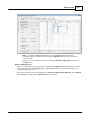
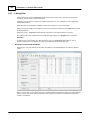
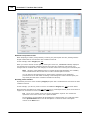
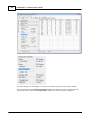
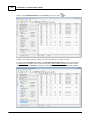
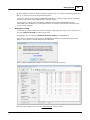
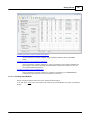
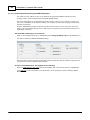
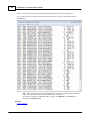
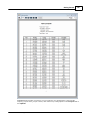
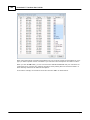
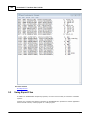
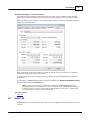
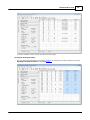
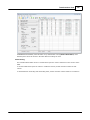
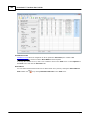
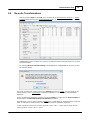
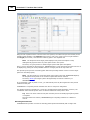
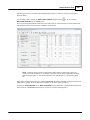
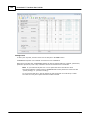
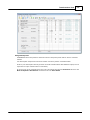
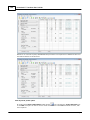
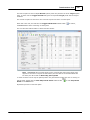
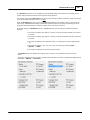
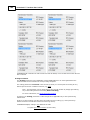
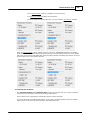
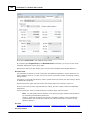
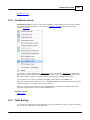
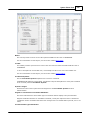
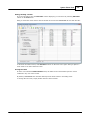
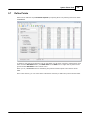
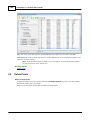
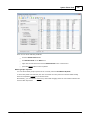
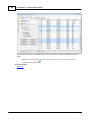
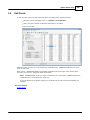
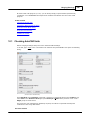
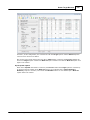
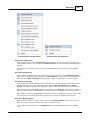
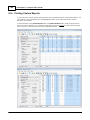
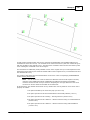
C lick the Select button in the description Filter options group box to visually select a sub-set of
points in the ASC II text file as shown below:
© 2012 PrimaCode Technologies