1
Transformations View
205
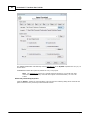
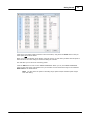
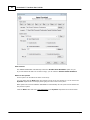
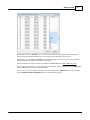
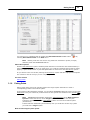
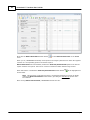
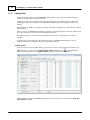
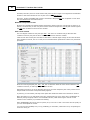
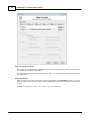
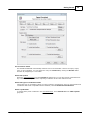
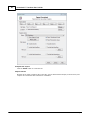
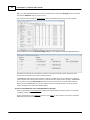
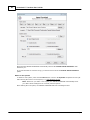
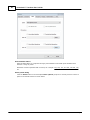
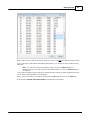
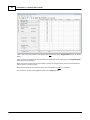
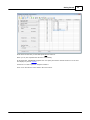
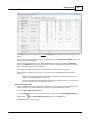
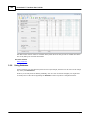
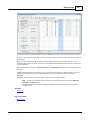
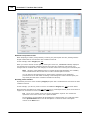
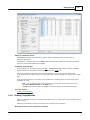
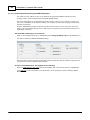
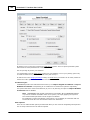
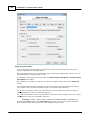
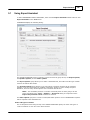
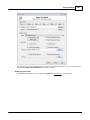
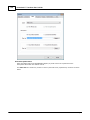
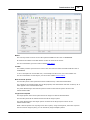
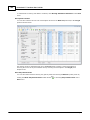
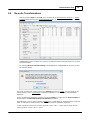
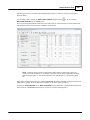
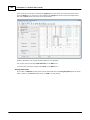
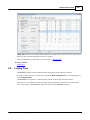
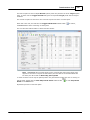
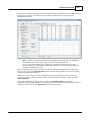
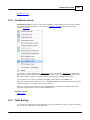
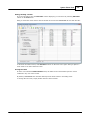
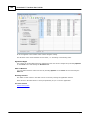
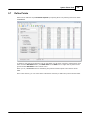
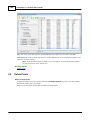
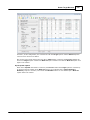
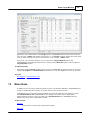
Detecting pairs can be run without first identifying likely pairs or after any number of pairs have
been identified.
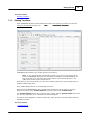
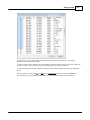
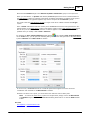
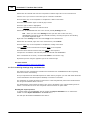
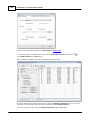
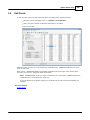
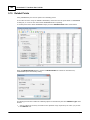
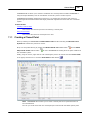
You do this by either clicking the Detect Paired Points toolbar button
Detect Paired Points on the Tools menu.
or by or selecting
It is not recommended that this feature be used unless less or until each system has been filtered to
limit processing time and improve the reliability of the results.
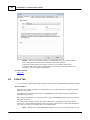
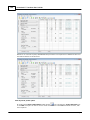
Alert Performing this procedure without first setting filters for the target system can
result in anomalous pairings or no pairings. For better results always apply filters that will
limit the target system to only those points that are valid targets, e.g. bounds and pipes,
etc.
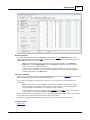
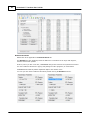
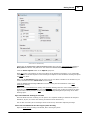
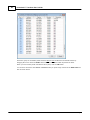
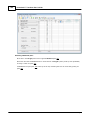
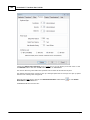
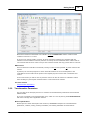
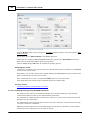
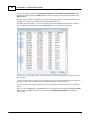
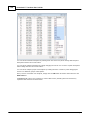
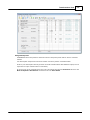
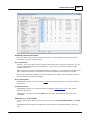
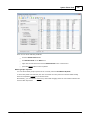
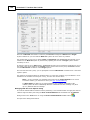
Filtering the systems limits how many points TRANSFORM will need to consider during processing and
will therefore greatly affect the speed and reliability of its detect pairs processing.
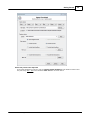
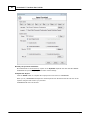
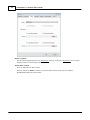
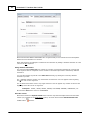
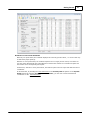
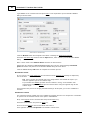
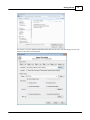
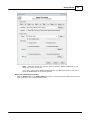
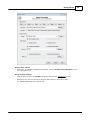
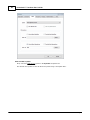
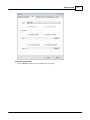
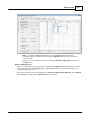
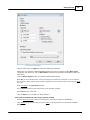
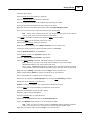
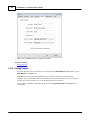
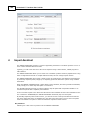
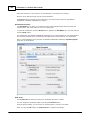
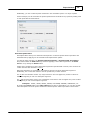
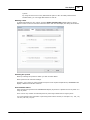
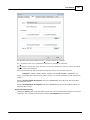
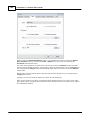
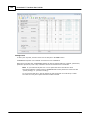
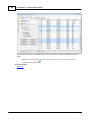
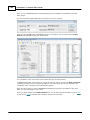
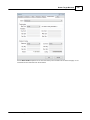
If either the Target System or the Best-Fit System have defined filter criteria but filtering has not
been turned on, TRANSFORM will prompt you to turn it on before detecting pairs.
© 2012 PrimaCode Technologies