1
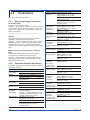
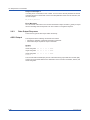
2.5 Output Commands
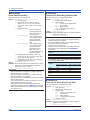
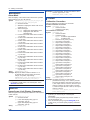
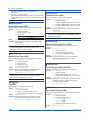
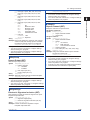
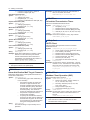
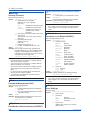
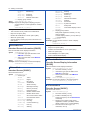
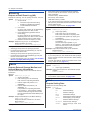
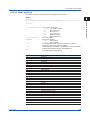
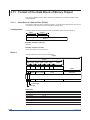
You can specify multiple items in the list above.
Separate each item with a colon (see the
example).
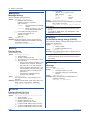
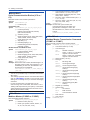
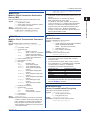
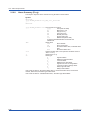
Example Read I/O and Math settings.
FCnf,IO:MATH
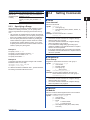
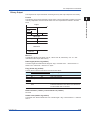
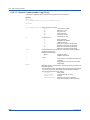
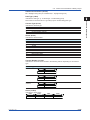
Description
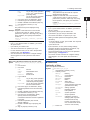
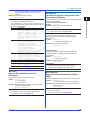
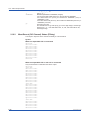
If you omit p1, all settings will be read.
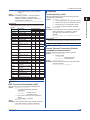
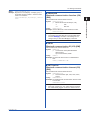
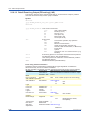
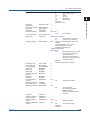
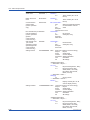
The setting data is output as the responses to the
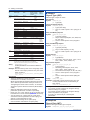
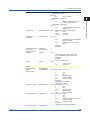
command queries. The following table lists p1 and the
corresponding commands.
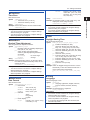
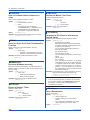
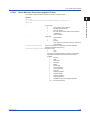
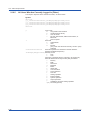
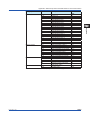
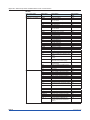
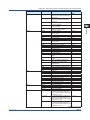
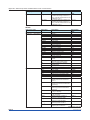
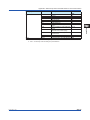
p1
IO
MATH
COMM
GROUP
IP
SECURITY
•
Command
SModeAI, SModeDI, SScaleOver,
SRangeAI, SRangeDI, SRangeDO,
SMoveAve, SBurnOut, SRjc,
SAlarmIO, SAlmHysIO, SAlmDlyIO,
STagIO, SColorIO, SZoneIO,
SScaleIO, SBarIO, SPartialIO,
SBandIO, SAlmMarkIO, SValueIO,
SCalibIO
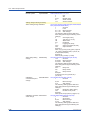
SMathBasic, SKConst, SWconst,
SRangeMath, STlogMath,
SRolAveMath, SAlarmMath,
SAlmHysMath, SAlmDlyMath,
STagMath, SColorMath, SZoneMath,
SScaleMath, SBarMath,
SPartialMath, SBandMath,
SAlmMarkMath, SReport, SRepData,
SRepTemp, SRepCh, SDigitalSign
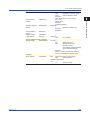
SRangeCom, SValueCom, SWDCom,
SAlarmCom, SAlmHysCom, SAlmDlyCom,
STagCom, SColorCom, SZoneCom,
SScaleCom, SBarCom, SPartialCom,
SBandCom, SAlmMarkCom
SGroup, STripLine, SSclBmp
SIpAddress, SDns, SDhcp
SSecurity, SOpePass, SOpeLimit,
SUser, SUserLimit
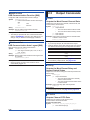
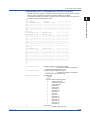
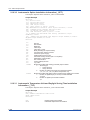
For the output format, see page 2-99.
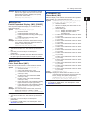
Queries the System Configuration and
Reconfigures Modules
Queries the System Configuration, Reconfigures Modules,
and Performs Activation.
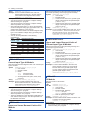
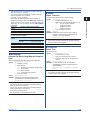
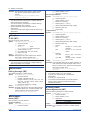
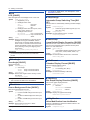
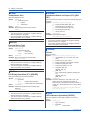
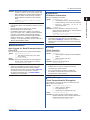
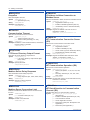
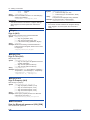
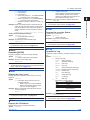
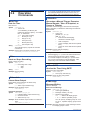
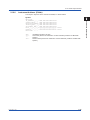
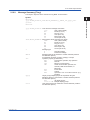
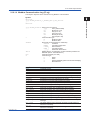
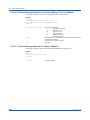
Query the System Configuration
Syntax FSysConf
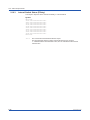
Example Query the System Configuration.
FSysConf
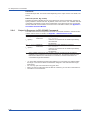
Description
•
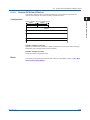
Reconfigures Modules
Aligns the module configuration settings that are
recognized by the recorder and the actual module
configuration.
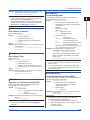
Syntax FSysConf,p1
p1 Module reconfiguration (1)
Example Reconfigure the modules.
FSysConf,1
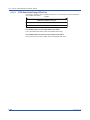
Activate module
Modules need to be activated when the firmware in
installed modules is updated or when modules are
recalibrated.
Syntax FSysConf,p1
p1 Activate module (3)
Example Activate modules.
FSysConf,3
Description
•
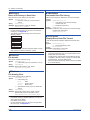
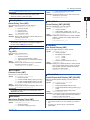
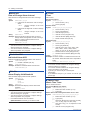
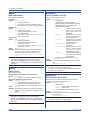
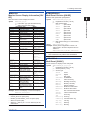
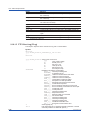
FChInfo
Outputs Decimal Place and Unit
Information
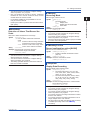
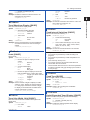
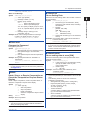
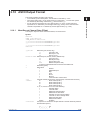
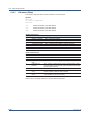
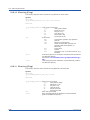
Outputs decimal place and unit information.
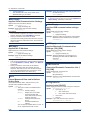
Syntax FChInfo,p1,p2
p1 First channel
p2 Last channel
Example Output the decimal place and unit information
of channels 0001 to 0003.
FChInfo,0001,0003
Description
•
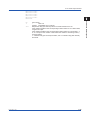
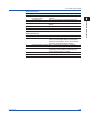
If you omit p1 and p2, all channels will be output.
•
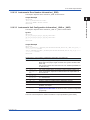
For the output format, see page 2-99.
IM 04L51B01-17EN
For the output format, see page 2-100.
When the advanced security function (/AS) is
disabled, this commands will result in error.
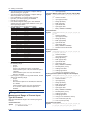
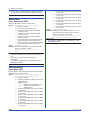
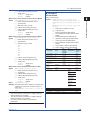
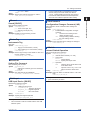
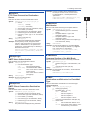
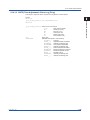
FBTDevInfo
Bluetooth Device Information Output
[GM]
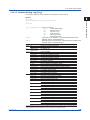
Outputs the Bluetooth device information of the recorder.
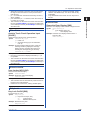
Syntax FBTDevInfo,p1
p1 Bluetooth device information output (0)
Example Output the Bluetooth device information of the
connected device.
FBTDevInfo,0
Description
•
p1 can be omitted.
•
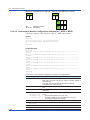
For the output format, see page 2-102.
2-59
2
Commands and Responses
•
•
1
FSysConf
App