1
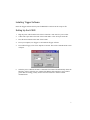
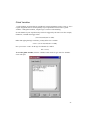
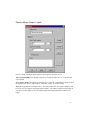
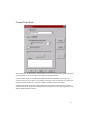
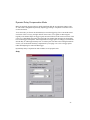
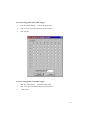
12. Lastly, change the logic assignment to:
inA = not in1 and not in2;
13. Click the “Set All Channels” button. The LED at Output A will remain off until both
switches are closed.
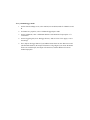
Rules for Logical Assignments
The following rules apply to logical assignments:
-
Logic is case-sensitive. Use lowercase and capital letters as in the samples above.
-
Spaces matter. Use spaces per the samples above.
-
If a logical assignment consists of more than one line, each line should end in a carriage
return.
-
The last line of a assignment must end in a semicolon.
-
You can add comments to annotate your logic assignments. Single line comments begin
with //. Multi-line comments begin with /* and end with */.
-
Many symbols can be written using C-Style programming commands. For example, “not
in1” can be written “!in1”.
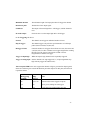
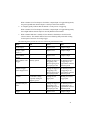
The following symbols can be used in logical assignments:
Symbol
Shorthand
not
!
and
&
or
| (vertical line)
xor
#
HIGH
none
LOW
none
()
none
;
none
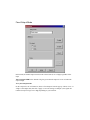
Predefined Variables
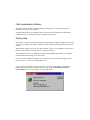
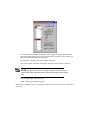
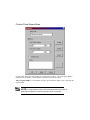
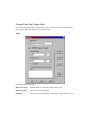
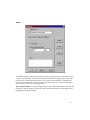
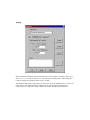
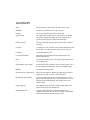
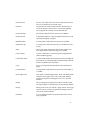
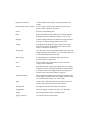
Trigger includes a number of Predefined variables to speed logic coding. To view the variable
names that are recognized by Trigger, click “Predefines” on the “Logic” tab.
21