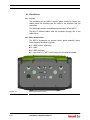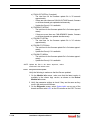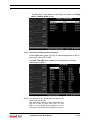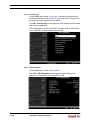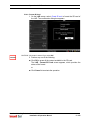
1
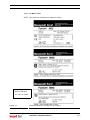
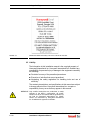
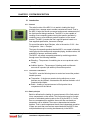
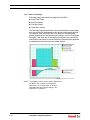
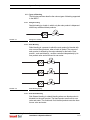
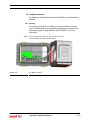
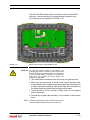
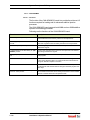
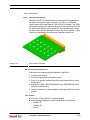
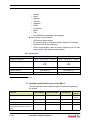
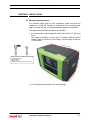
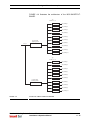
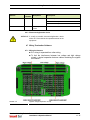
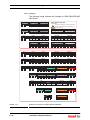
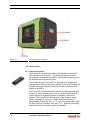
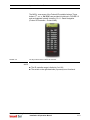
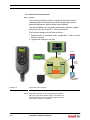
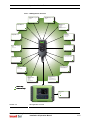
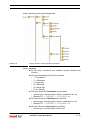
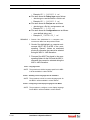
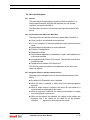
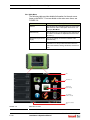
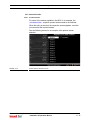
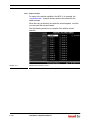
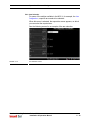
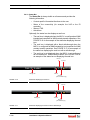
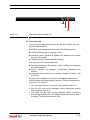
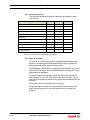
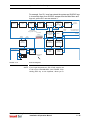
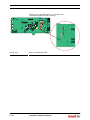
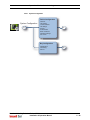
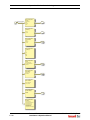
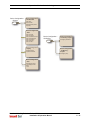
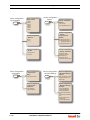
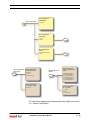
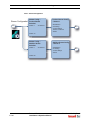
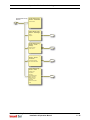
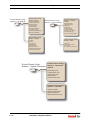
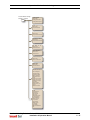
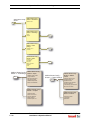
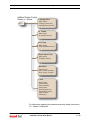
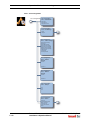
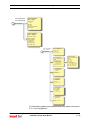
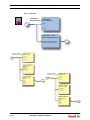
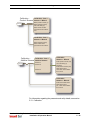
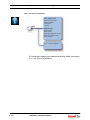
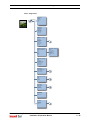
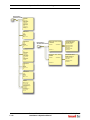
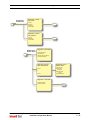
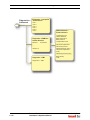
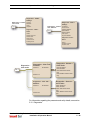
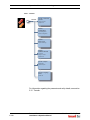
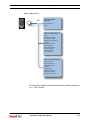
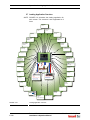
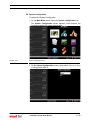
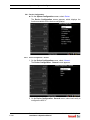
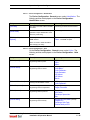
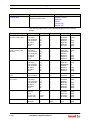
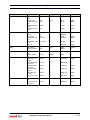
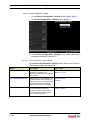
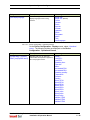
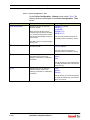
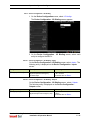
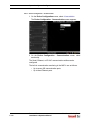
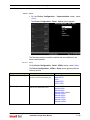
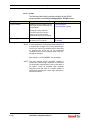
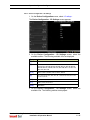
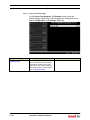
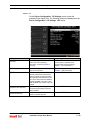
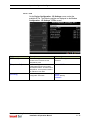
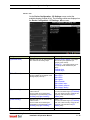
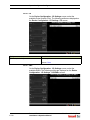
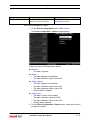
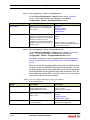
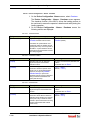
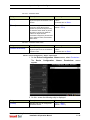
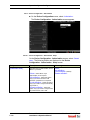
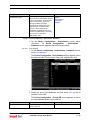
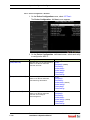
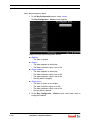
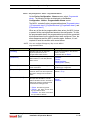
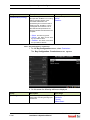
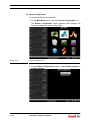
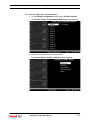
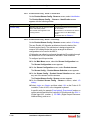
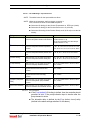
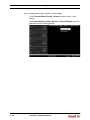
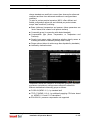
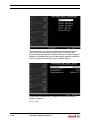
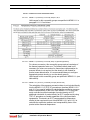
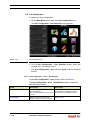
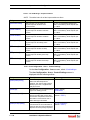
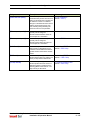
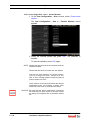
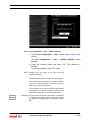
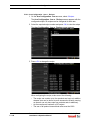
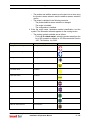
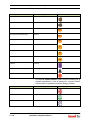
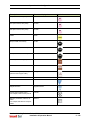
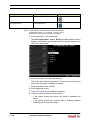
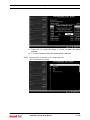
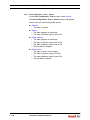
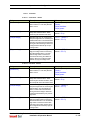
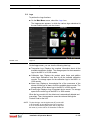
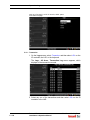
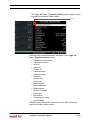
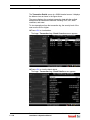
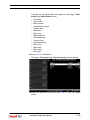
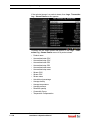
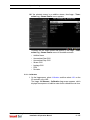
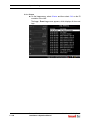
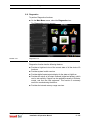
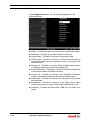
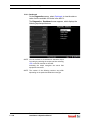
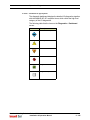
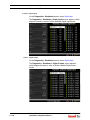
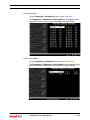
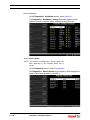
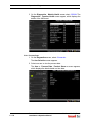
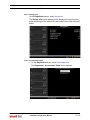
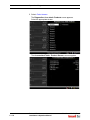
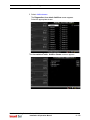
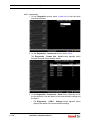
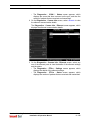
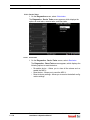
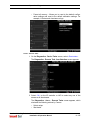
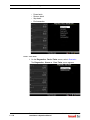
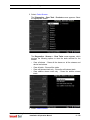
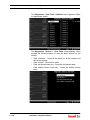
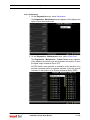
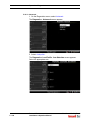
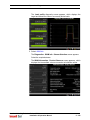
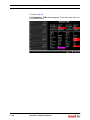
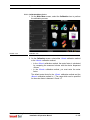
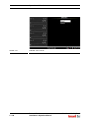
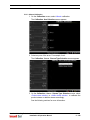
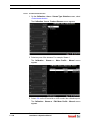
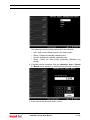
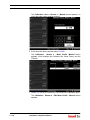
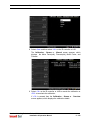
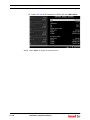
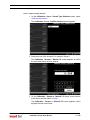
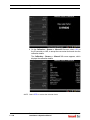
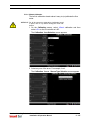
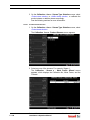
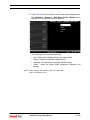
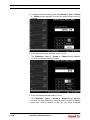
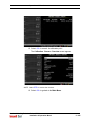
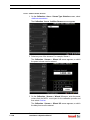
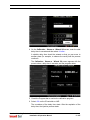
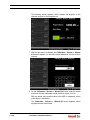
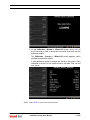
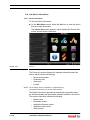
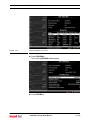
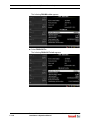
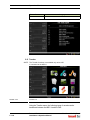
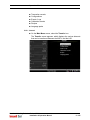
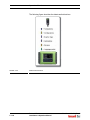
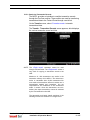
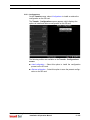
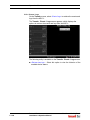
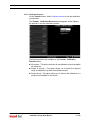
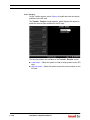
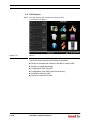
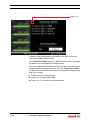
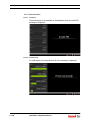
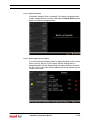
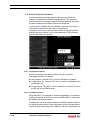
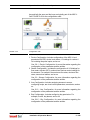
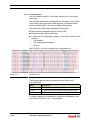
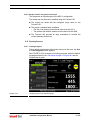
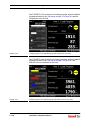
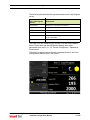
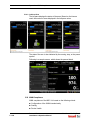
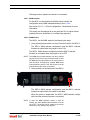
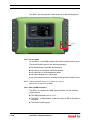
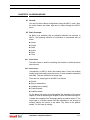
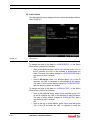
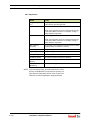
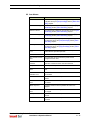
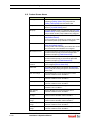
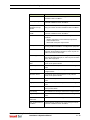
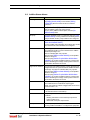
Operation - Logs 5.11 Logs To perform the Logs functions On the Main Menu screen, select the <Logs> icon. The Logs screen appears, in which the various logs maintained in the non-volatile memory can be viewed. FIGURE 5-26 Logs icon On the Logs screen, you can view the following data logs. Transaction logs: Displays the complete information about all the available transaction records. The storage space for the transaction logs in the MSC-L is 10,000 records. Calibration logs: Displays the product meter factor and additive meter factor calibrations over time for all the available calibration records. The storage space for the calibration logs in the MSC-L is 1200 records. Alarm logs: Displays a chronological list of the occurrence of the alarms and the type of alarms for all the available alarm records. The storage space for the alarm logs in the MSC-L is 2000 records. Events logs: Displays a log of important device events. The storage space for the event logs in the MSC-L is 1000 records. When the log record is full, the oldest one is automatically deleted and overwritten. Then, the transaction cannot be retrieved through the Fusion4 Portal or the LAD. NOTE: To view the logs, use the right arrow (>) on the LAD or IR Controller, to view the previous set of records in a list of records which spans more than a page and left arrow (<) on the LAD or IR Controller to view the Part No.: 4418.309_Rev04 Fusion4 MSC-L Installation & Operation Manual 5 - 151