1
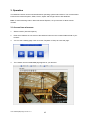
3.4 Live View Page
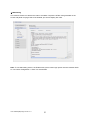
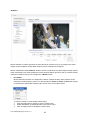
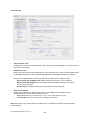
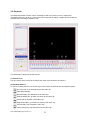
The live view page comes in several
screen
modes:
1920x1080,
1280x1024, 1280x720, 704x480(576),
640x480, 352x240(288), and 320x240.
Users are allowed to select the most
suitable one out of those modes.
Please, adjust the mode in accordance
with your PC specifications and
monitoring purposes.
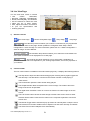
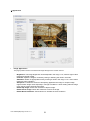
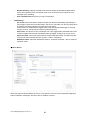
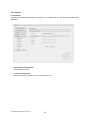
1)
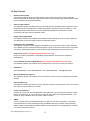
General controls
Live View Page
Search & Playback Page
Setup Page
Help Page
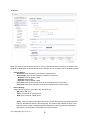
The video drop-down list allows you to select a customized or pre-programmed
video stream on the live view page. Stream profiles are configured under Setup > Basic
Configuration > Video & Image. For more information, please see “3.5.1 Basic Configuration >
Video & Image” of User’s Manual.
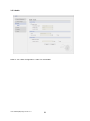
The resolution drop-down list allows you to select the most suitable one
out of video resolutions to be displayed on live view page.
The protocol drop-down list allows you to select which combination of
protocols and methods to use depends on your viewing requirements, and on the properties of
your network.
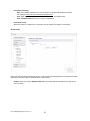
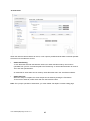
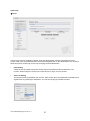
2)
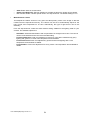
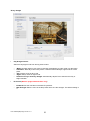
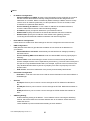
Control toolbar
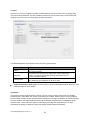
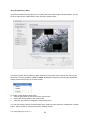
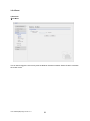
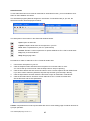
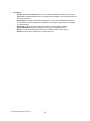
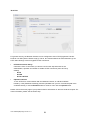
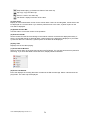
The live viewer toolbar is available in the web browser page only. It displays the following buttons:
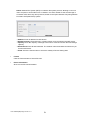
The Stop button stops the video stream being played. Pressing the key again toggles the
start and stop. The Start button connects to the network camera or start playing a
video stream.
The Pause button pause the video stream being played.
The Snapshot button takes a snapshot of the current image. The location where the
image is saved can be specified.
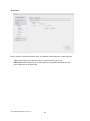
The digital zoom activates a zoom-in or zoom-out function for video image on the live
screen.
The Full Screen button causes the video image to fill the entire screen area. No other
windows will be visible. Press the 'Esc' button on the computer keyboard to cancel full
screen view.
The Manual Trigger button activates a pop-up window to manually start or stop the event.
The Remote Focus button enables users to adjust focus and zoom remotely via network.
The Smart Focus button readjusts focus automatically.
VK2-1080VRD(IR)3V9(F) manual V1.1
21