1
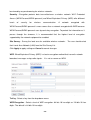
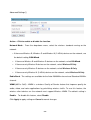
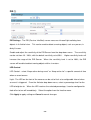
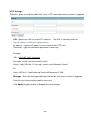
HTTP/TCP/UDP protocol
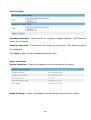
HTTP – This unicast method can be used to traverse firewalls.
Firewalls are commonly
configured to allow the HTTP protocol, thus allowing RTP to be tunneled.
TCP - This protocol guarantees the complete delivery of streaming data and provides better
video quality. The downside of using this protocol is that the quality of its real-time
real
effect is
less than that of the UDP protocol.
UDP - This protocol allows for more
mor real-time
time audio and video streams. However, network
packets may be lost due to network traffic and images may be broken. Activate UDP
connection time - sensitive responses are more important than video quality.
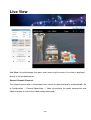
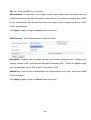
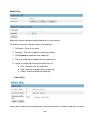
(*) LED Control – Use the drop-down
drop
menu to adjust the brightness of the camera’s LED.
/
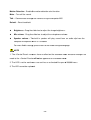
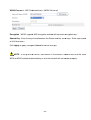
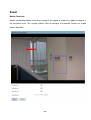
Recording on/off - Displays the status of recording video
/
MIC on/off - Displays the status of the MIC volume
/
/
Speaker on/off - Displays the status of the Speaker volume
MD on/off - Displays the status of Motion Detection
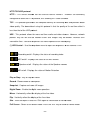
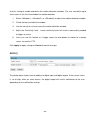
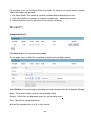
Play or Stop - Play or stop the video.
Record - Record
ecord video to a computer.
Snapshot - Capture
apture and save still images.
Digital Zoom - Enable
nable the digital zoom operation.
Mirror - Horizontally
orizontally reflect the display of the live video.
Flip - Vertically
ertically reflect the display of the live video.
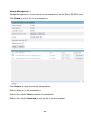
Size - View the object in real size. Click again to switch back to normal mode.
Full Screen - Switch
witch to full screen mode. Press the “Esc” key to return to normal mode.
- 11 -