1
2.2.2 GUI OPERATION
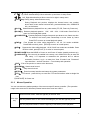
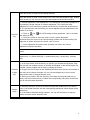
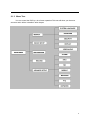
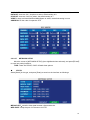
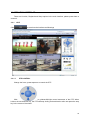
The main menu include “SEARCH”,”RECORD”,”HDD”,”BASIC”,“ADVANCE”,and“Exit”.
Remark: You must after pressing “APPLY”to make the setting for submenu valid.It will no use
when exit directly.This DVR have a special feature is: when you move the mouse to everwhere,
there will have the explanation information showed autoly.
2.2.2.1 RECORD SEARCH
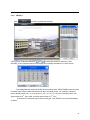
Move the cursor to 【RECORD SEARCH】(Icon highlighted when selected),press【Enter】
to enter into the setting interface.
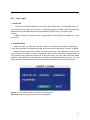
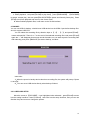
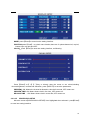
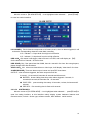
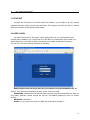
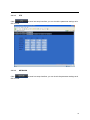
RECORD FILE:You can adjust the checking date and time,press【Enter】 【+】/【-】 or input the
number directly to adjust the year,month,date.After finishing the time setting,move the cursor to
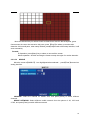
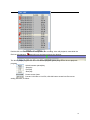
“SEARCH” and press”APPLY”,can see the recording status of this date.As follow:
11