1
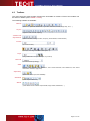
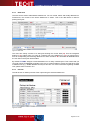
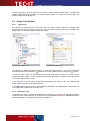
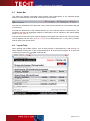
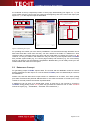
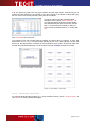
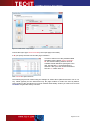
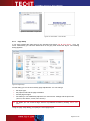
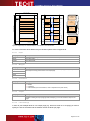
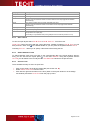
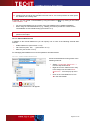
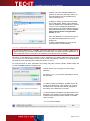
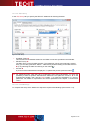
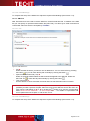
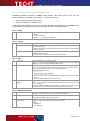
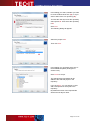
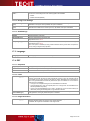
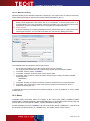
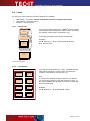
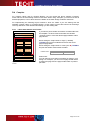
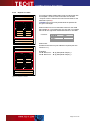
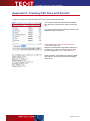
T FO RM er D e sig ne r U se r M anua l Appendix F: Creating CSV Files with Excel® ® ® In order to create a CSV file with Microsoft Excel , please follow these steps: First create a table with the desired data. Make sure that every column has a column name (see ). The column names should match the names of the datafields used in the layout. Then select Office Button ►Save as ►Other Formats from the menu. Navigate to the desired output folder and enter a file name (e.g., “Data”). Under choose “CSV (Comma delimited) (*.csv)”. Then click Save. When opened in a text editor the CSV file should look like this. All columns must be separated by semicolons. Page 137 of 139