1
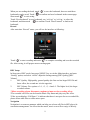
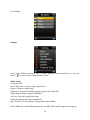
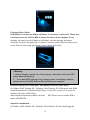
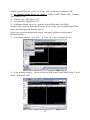
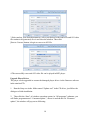
will see “System Init…”, that means MP3 player start to initialize the system. After it is
completed, you will see MP3 player’s main menu again.
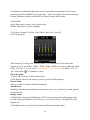
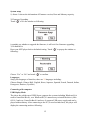
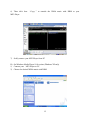
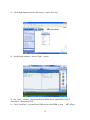
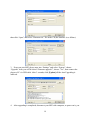
5. Now connect MP3 player with computer again, click this removable disk, you will see
the window that asking you to format removable disk, click “Yes” and start formatting,
after formatting is completed, you can download files and use it again.
Note: Firmware upgrade is to improve and optimize the performance of the player. The
normal work of the player would not be affected even if the firmware isn’t upgraded. The
wrong operation of upgrading firmware would cause the device not to work normally! The
firmware upgrade software of this player is not applied to other series of players.
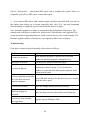
Troubleshooting
If the player can not be played normally, please check as follows:
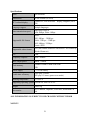
Troubles
It cannot be turned on
Causes
Check whether the player is powered on or not and
whether the machine program is damaged or not
The player is blocked
Push the power switch to restart the player
It can not be played
Check whether the machine is powered on or not
Confirm the volume is not in “0” level, check the
earphone is connected well and keep the earphone clean
Format the disk again
It can not upload/download the
Insert USB cable totally well after the Power on. Correctly
file or the disk can not be
install the driver again.
found in computer
It can not be recorded
Check the enough memory and the electricity
Words on display are
deformed
Make sure that you have selected the correct language
It can not be used normally
after upgrading
Upgrade again in Windows 2000
20