1
Section 4 - Troubleshooting
TIME
The TIME configuration option allows you to configure, update, and maintain the correct time on the internal system clock. From this section you
can set the time zone that you are in and set the NTP (Network Time Protocol) Server. Daylight Saving can also be configured to automatically
adjust the time when needed.
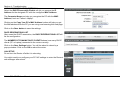
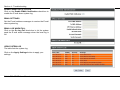
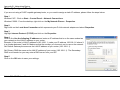
To access the TIME setting window, click on the Time and Date button in the SETUP directory
TIME
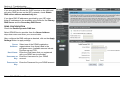
Check the Enable NTP Server.
Select specific time server to use from the NTP Server Used drop-down
menu.
Select your operating time zone from the Time Zone drop-down menu.
Check the Enable Daylight Saving if needed and then select the
proper Daylight Saving Offset drop-down menu. Configure the
Daylight Saving Dates from start date to end.
Click on the Save Settings button to apply your settings.
D-Link DSL-2740B User Manual
34