1
Decode Search Mode
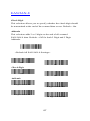
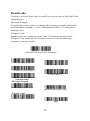
There are three selectable decode (scanning) modes:
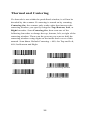
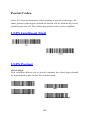
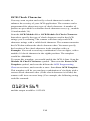
Full Omnidirectional - Searches for barcode features beginning at
the center of an image, and searches to the image’s limits. This
mode reads all symbologies, in any orientation. The Full
Omnidirectional search is very thorough which may slow
performance time.
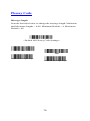
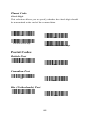
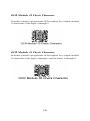
Quick Omnidirectional - This is an abbreviated search for barcode
features around the center region of an image. This mode quickly
reads all symbologies in any orientation. The Quick
Omnidirectional mode may miss some off-center
symbols, as well as larger Data Matrix and QR Code.
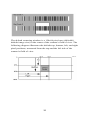
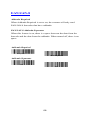
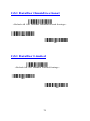
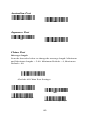
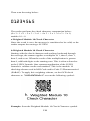
Advanced Linear Decoding - Performs quick horizontal linear
scans in a center band of the image. This mode does quickly read
linear and stacked barcodes. Advanced Linear Decoding cannot
read 2D, OCR, or Postal symbols.
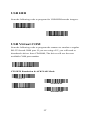
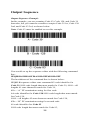
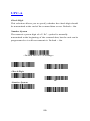
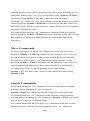
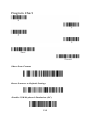
Full Omni-directional
Note: This search mode is the
default setting.
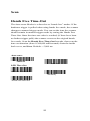
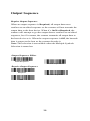
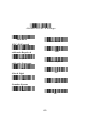
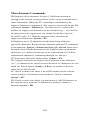
Quick Omni-directional
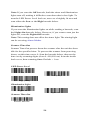
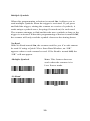
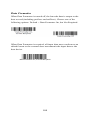
Advanced Linear Decoding
33