1
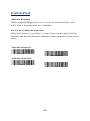
Print Contrast Weight
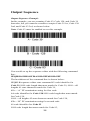
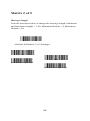
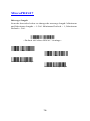
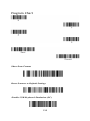
Print Contrast Weight is used to adjust the way the scanner reads
Matrix symbols. If an scanner will be seeing consistently heavily
printed matrix symbols, then a Print Contrast Weight of 6 may
improve the reading performance. For consistently light printing, a
Print Contrast Weight of 2 may help. After scanning the Set Print
Contrast Weight barcode, set the Print Contrast Weight (from 1-7)
by scanning digits from the inside back cover, then scanning Save.
Default = 4.
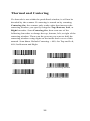
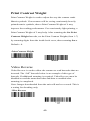
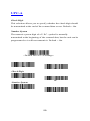
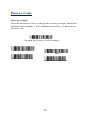
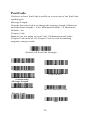
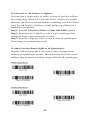
Print Contrast Weight
Set Print Contrast Weight
*Default
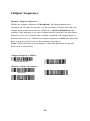
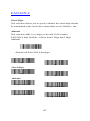
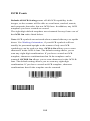
Video Reverse
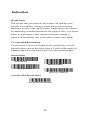
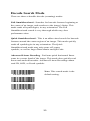
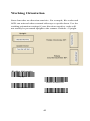
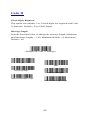
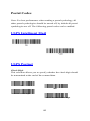
Video Reverse is used to allow the scanner to read barcodes that are
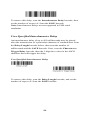
inverted. The “Off” barcode below is an example of this type of
barcode. If additional menuing is required, Video Reverse must be
disabled to read the menu barcodes and then re-enabled after
menuing is completed.
Note: Images downloaded from the unit will not be reversed. This is
a setting for decoding only.
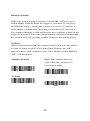
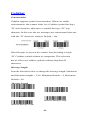
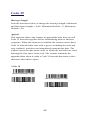
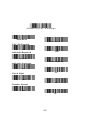
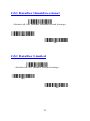
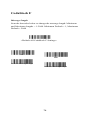
Video Reverse
On
40