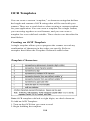
1
OCR User-Defined Check Character
You can customize the check character calculation to suit your
application. Each character of the check character alphabet can be
programmed in its proper order. The number of characters you enter
determines the modulo value for the calculation. By default, the
check character computation is unweighted, but the scanner also
supports two weighted modulo 10 checking schemes.
Example: To program a modulo 11 check character, you would
enter the following 11 characters in order:
0123456789X
Also enter the OCR template: dddddddc
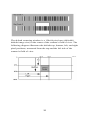
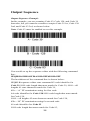
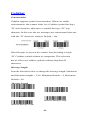
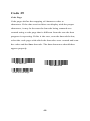
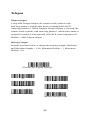
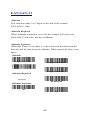
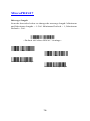
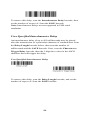
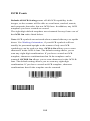
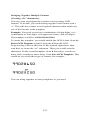
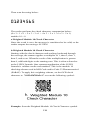
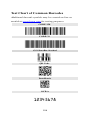
Enable the OCR-A font, then scan the following string:
The scanner performs the following check character computation:
(6 + 5 + 1 + 2 +3 + 5 + 1 + X) modulo 11 = 0
Since the result is zero, the message is considered to be valid, so the
reader outputs the message: 6512351
Programming a User-Defined Check Character
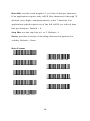
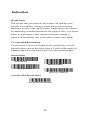
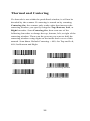
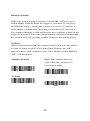
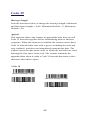
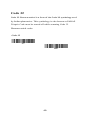
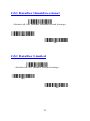
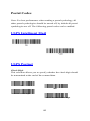
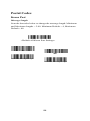
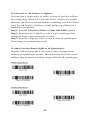
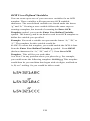
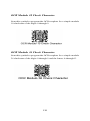
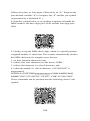
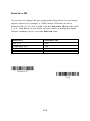
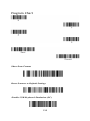
1. Scan the Enter OCR Check Character barcode, below:
Enter OCR Check Character
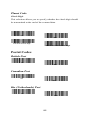
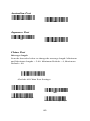
OCR Modulo 36 Check Character Enter OCR Check Character
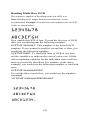
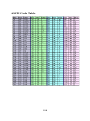
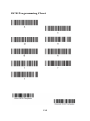
2. Enter the characters in order. For each character, look up the
corresponding hex value from the ASCII Chart.
116