1
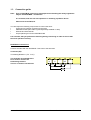
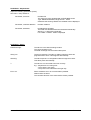
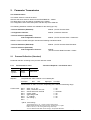
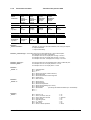
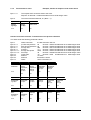
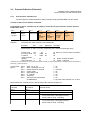
PROFIBUS – Adjustments:
Adjust the following parameters (slave):
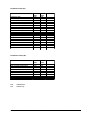
See menu: ”setup interface”
Parameter „Protocol“:
Profibus-DP
The slave has to be equipped with a PROFIBUS-modul
Type: M8200-ProfibusDP, Single Art.No.: 18152
Otherwise the warning “Module not available” will be displayed.
Parameter „interface address“:
Profibus- address
Parameter „baudrate“,
No adjustment possible.
The baud rate will detected and monitored automatically.
Warning: „no baud rate is detected”
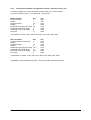
Line “State”: Profibus- status is displayed
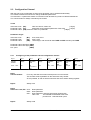
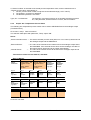
PROFIBUS - Status:
Data Exchange:
The slave is in the data-exchange-modus.
The communication is OK.
The data-exchange with the master takes place.
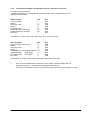
Wait_Prm:
The bus is detected. The slave is waiting until the master has
programmed the slave. This happens automatically.
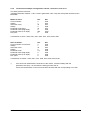
Wait Cfg:
The slave expects it`s configuration taken through the master.
This takes place automatically.
?:
The slave is not connected to the bus correctly.
E.g.:- Maybe there is a wiring error.
- The master is not active.
- The protocol isn't selected in the right way.
Error xxx:
Slave: Hardware error. No communication possible.
Please return the slave.
The controller-function of the slave itself is further possible.
Manual: SC-PB-EN
Version: 04/13
©Elotech GmbH
Seite 7 / 22