1
136
Troubleshooting
Printer Diagnostics
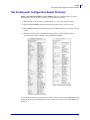
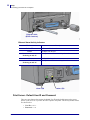
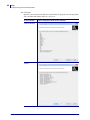
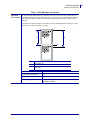
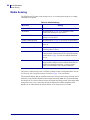
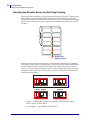
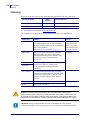
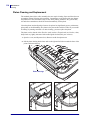
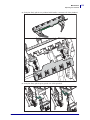
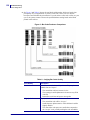
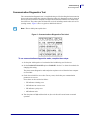
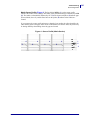
4. See Figure 2 and Table 6. Inspect the test labels and determine which one has the best
print quality for your application. If you have a bar code verifier, use it to measure
bars/spaces and calculate the print contrast. If you do not have a bar code verifier, use your
eyes or the system scanner to choose the optimal darkness setting based on the labels
printed in this self test.
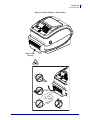
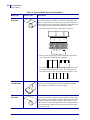
Figure 2 • Bar Code Darkness Comparison
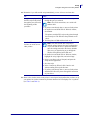
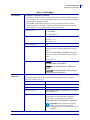
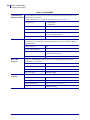
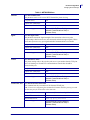
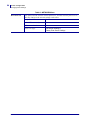
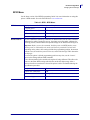
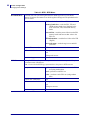
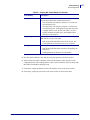
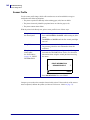
Table 6 • Judging Bar Code Quality
P1062653-001 Rev. A
Print Quality
Description
Too dark
Labels that are too dark are fairly obvious. They may be
readable but not “in-spec.”
• The normal bar code bars increase in size.
• The openings in small alphanumeric characters may fill in
with ink.
• Rotated bar code bars and spaces run together.
Slightly dark
Slightly dark labels are not as obvious.
• The normal bar code will be “in-spec.”
• Small character alpha numerics will be bold and could be
slightly filled in.
• The rotated bar code spaces are small when compared to
the “in-spec” code, possibly making the code unreadable.
ZD500 Series™ Thermal Transfer Printer User’s Guide
8/12/2013