1
Print Operations
Ribbon Overview
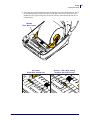
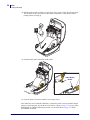
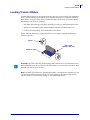
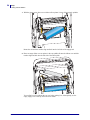
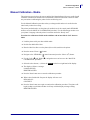
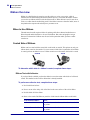
Ribbon Scratch Test
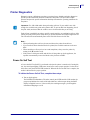
Perform the ribbon scratch test when labels are unavailable.
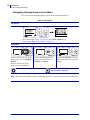
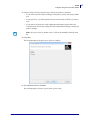
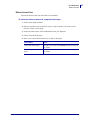
To perform a ribbon scratch test, complete these steps:
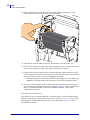
1. Unroll a short length of ribbon.
2. Place the unrolled section of ribbon on a piece of paper with the outer surface of the
ribbon in contact with the paper.
3. Scratch the inner surface of the unrolled ribbon with your fingernail.
4. Lift the ribbon from the paper.
5. Observe the results. Did the ribbon leave a mark on the paper?
8/12/2013
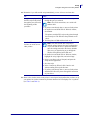
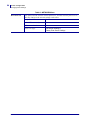
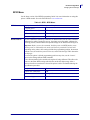
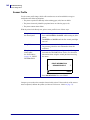
If the ribbon...
Then...
Left a mark on the paper
The ribbon is coated on the outside and can be used with
the printer.
Did not leave a mark on the
paper
The ribbon is coated on the inside and can not be used in
the printer.
ZD500 Series™ Thermal Transfer Printer User’s Guide
P1062653-001 Rev. A
85