1
StillImages
Movies
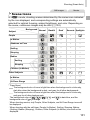
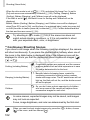
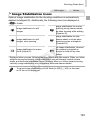
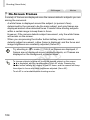
Shooting in Program AE Mode (<P> Mode)
Youcancustomizemanyfunctionsettingstosuityourpreferredshootingstyle.
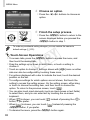
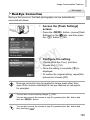
1 Enter<G>mode.
zz
Setthemodedialto<G>.
2 Customizethesettingsas
desired(=166–199),and
thenshoot.
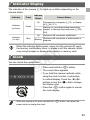
• Ifadequateexposurecannotbeobtainedwhenyoupresstheshutterbutton
halfway,shutterspeedsandaperturevaluesaredisplayedinorange.To
obtainadequateexposure,tryadjustingthefollowingsettings.
-Activatethelash(=193)
-ChangetheISOspeed(=169)
• Moviescanberecordedin<G>modeaswell,bypressingthemoviebutton.
However,someFUNC.(=89)andMenu(=91)settingsmaybe
automaticallyadjustedformovierecording.
• Fordetailsontheshootingrangein<G>mode,see“Speciications”(=333).
Y
P
O
Image Brightness (Exposure Compensation)
C
StillImages
Movies
Adjusting Image Brightness (Exposure
Compensation)
Thestandardexposuresetbythecameracanbeadjustedin1/3-stop
increments,inarangeof–3to+3.
zz
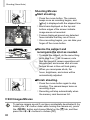
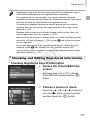
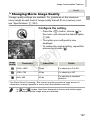
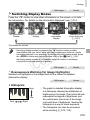
Pressthe<o>button.Asyouwatch
thescreen,turnthe<7>dialtoadjust
brightness,andthenpressthe<o>
buttonagainwheninished.
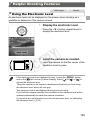
XX
Thecorrectionlevelyouspeciiedisnow
displayed.
166