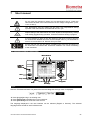
1
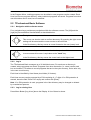
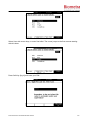
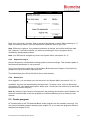
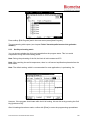
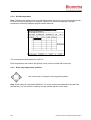
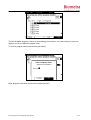
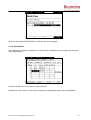
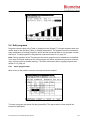
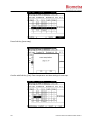
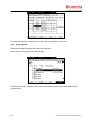
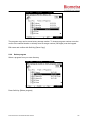
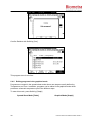
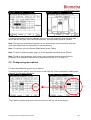
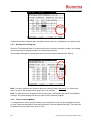
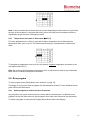
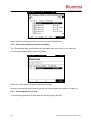
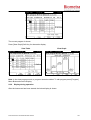
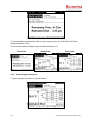
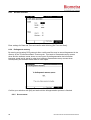
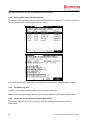
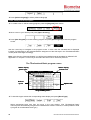
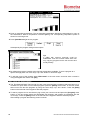
 Enter an annealing temperature. The set annealing temperature defines the temperature in row 6 of the thermoblock. Enter a temperature increment [Incr.]. The corresponding temperature profile is shown for each single row.  Press [Save/Save as] to save a program. Subsequently the program storage screen opens: Tip: A folder with common protocols could be established. From the common folder each user may copy any program into the own account and modify it easily.  By default the program is stored at the first free storage place available. To save a program at a specific storage place use cursor keys <up> and <down> or enter two digits.  To edit the name of the program press [Edit name]. In the next screen occurring enter a name by using the keypad and confirm with [OK]. Start, pause and stop programs  The TProfessional Basic Thermocycler for each user stores the last 5 programs that have been run or modified. For quick start of one of these programs press the [Block] menu button. In the next screen select one of the last five programs by using the cursor keys <up> and <down>. Press the [Start] button on the left side of the keypad to start the program.  To start a program from a user directory log in with your user account and press the [Program] menu button. In the next screen select the appropriate user directory and program by navigating with the cursor keys. Press the [Start] button on the left side of the keypad to start the selected program. After starting a program the following screen is shown: 60 Instruction Manual TProfessional Basic 06/2011