1
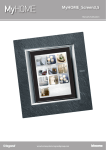
MyHOME_Screen
User Manual
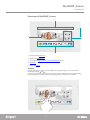
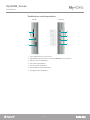
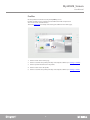
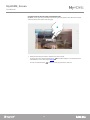
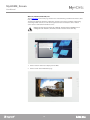
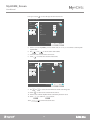
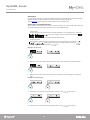
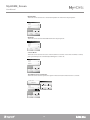
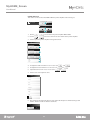
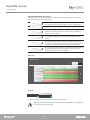
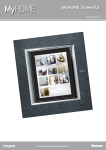
Overview of MyHOME_Screen
1
2
5
3
4
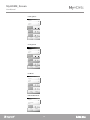
1. Status bar with Status icons.
2. Quick access Pushbuttons.
3. Access to the Rooms, Functions, Settings, Multimedia pages.
4. Quicklinks.
5. Access to Profiles.
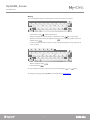
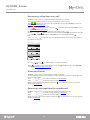
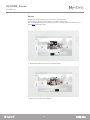
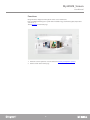
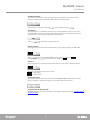
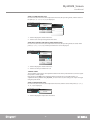
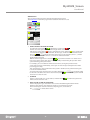
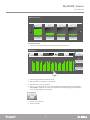
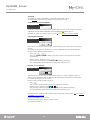
Scrolling
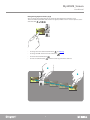
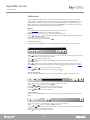
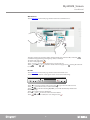
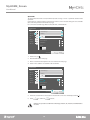
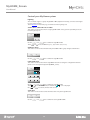
Touch and drag left or right to scroll. In addition to using your finger, you can also scroll by
touching the arrows, and .
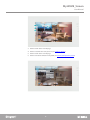
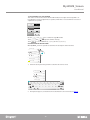
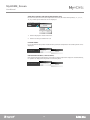
For some pages, like the web pages, the screen can also be scrolled up or down. When scrolling
using your finger the content of the screen is displayed but no functions are activated.
5