1
Client/Server Fixed Assets Application User Manual
Creating General Ledger Budgets
Overview for Creating GL Budgets
After you create a file containing schedule projections (via the Create Schedule Projections
By GL Account Routine), you must create a Budget Transfer File via the Create GL Budgets
Routine. The GL Module uses the Budget Transfer File to read the FA Schedule Projections
that the system uses to create your budget.
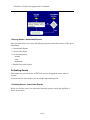
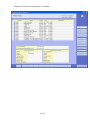
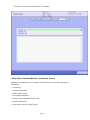
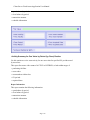
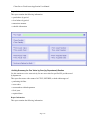
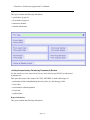
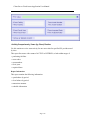
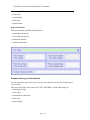
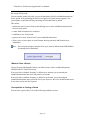
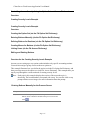
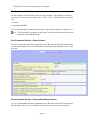
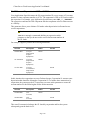
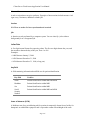
The following graphic illustrates how to create the GL Budget File. Enter the number of the
Schedule Projection File created in the Create Scheduled Projection by GL Account Routine.
Selection criteria entered in the Create Schedule Projections by GL Account Routine appears
in the remaining fields.
Budget's Impact on GL
The asset depreciation expenses sent to GL by FA do not affect GL accounts. General
Ledger's budget function is a separate entity and does not perform any posting activity.
Using The Schedule Projection File
You use the Schedule Projection File previously created in the Create Schedule Projections
By GL Account Routine to create the actual GL Budget File for GL.
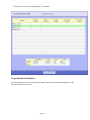
Enter the schedule projection file number at the Create GL Budgets From Schedule Projection
File Number prompt.
The Schedule Projection File contains the total asset depreciation expense for each GL
account. The Create GL Budgets Routine takes this expense figure and distributes it across
the future fiscal year, depending on the GL Value's frequency entered in the Schedule
Frequency prompt (in the FA Value Dictionary).
Page 171