1
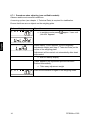
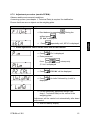
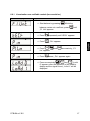
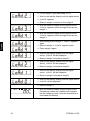
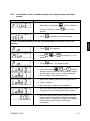
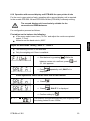
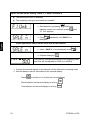
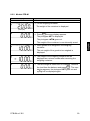
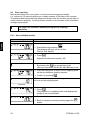
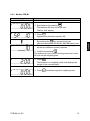
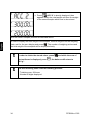
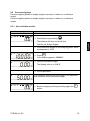
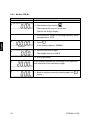
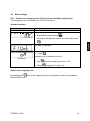
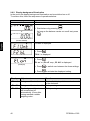
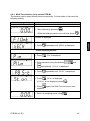
9.6 Menu settings 9.6.1 Switch over weighing units (Unit) (only non-verifiable appliances) The weighing units are switched on or off via the menu. Activate function: Balance display Operation Start balance by pressing ON OFF As long as the balance carries out a self test, press . „F1 Unt“ is displayed. Press (Example) Weighing unit is switched on or off. Use Using to switch weighing unit on or off change to the next unit. Switch-over weighing unit: By pressing the key in the weighing mode it is possible to switch over between the activated units. PFB-BA-e-1322 41