1
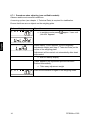
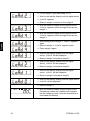
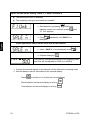
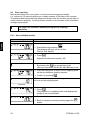
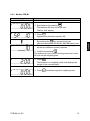
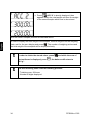
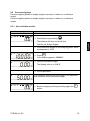
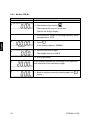
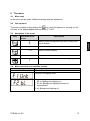
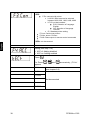
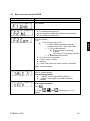
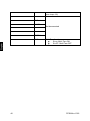
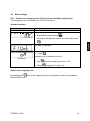
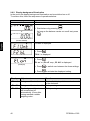
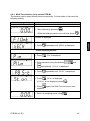
9.6.2 Display background illumination In the menu the display background illumination can be switched on or off. To achieve this, follow the sequence of operations below: Balance display Operation Start balance by pressing or ON OFF As long as the balance carries out a self test, press . (models PFB-M) „F1 Unt“ is displayed. Press „F2 bL“ is displayed. Press (Example) „EL on“ or „EL off“ resp. „EL AU“ is displayed Press to switch over between the three settings Press to activate the displayed setting. Display Adjustment Function „EL on“ Background illumination on „EL off“ Background illumination off Contrastful display which can also be red in the darkness. Battery saving „EL AU“ The background illumination will be switched off automatically 10 sec after having reached a stable weighing value. 42 Battery saving PFB-BA-e-1322