1
Answer Sheet Scanner User Manual
Answer Sheet Scanner software allows you to evaluate answers for MCQ type exams
using simple scanners. The bubble sheets can be scanned using simple inexpensive
scanners and the result can be achieved quickly.
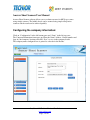
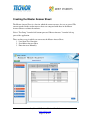
Configuring the company information:
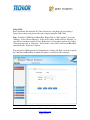
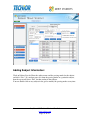
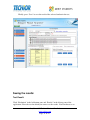
Click on “Configuration” in the left bottom pane and “Setup” in the left top pane.
The Company Information form opens up. Enter the Name, Address, Contact number and
logo of your company / institute and click “Save” to save to the company details.
The company name configured here is printed as a header in the Results.
Confidential © Techior Solutions Pvt. Ltd.
www.techior.com
Page 3 of 44





















![2010 [FACILITATOR]](http://vs1.manualzilla.com/store/data/005655528_1-cab0d059d42c2f5dfa4b2de0f050c49f-150x150.png)