1
Appendix A
Menus and Commands
Place»Graphic»Arc
Use to place an arc or a trace, depending on the active layer. Refer to the
Placing Shapes and Graphics section of Chapter 4, Working with Parts,
and the Placing a Trace: Manual Method section of Chapter 5, Working
with Traces and Copper, for more information.
Place»Graphic»Bezier
Use to place a bezier or a trace, depending on the active layer. Refer to the
Placing Shapes and Graphics section of Chapter 4, Working with Parts,
and the Placing a Trace: Manual Method section of Chapter 5, Working
with Traces and Copper, for more information.
Place»Graphic»Picture
Use to place a bitmap picture on the design. Displays a standard Open
dialog.
Select the desired bitmap and click to place it on the design. Drag the
bitmap to the desired size, and click the mouse again to place it.
Place»Graphic»Text
Use to place text on the design. Useful for annotation purposes. Refer to the
Placing and Editing Text section of Chapter 8, Preparing for
Manufacturing/Assembly, for more information.
Place»Copper Area
Use to define a copper area polygon. Refer to the Placing Copper Areas
section of Chapter 5, Working with Traces and Copper, for more
information.
Place»Powerplane
Use to define layers as Power/Ground planes or to clear layers that were
previously defined as Power/Ground planes. Refer to the Placing
Powerplanes section of Chapter 5, Working with Traces and Copper,
for more information.
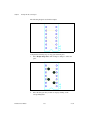
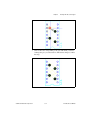
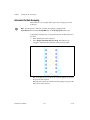
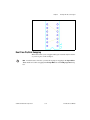
Place»Bus
Use to connect multiple traces between multi-pinned devices such as ICs.
Refer to the Placing a Bus section of Chapter 5, Working with Traces and
Copper, for more information.
NI Ultiboard User Manual
A-12
ni.com