1
Section 3 - Configuration
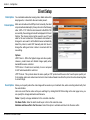
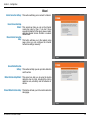
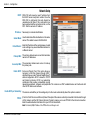
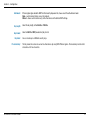
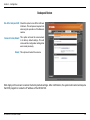
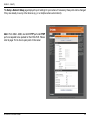
In this window, enter the settings for the FTP server you wish to upload the image to. Optionally, you can enter settings
for a secondary backup FTP server.
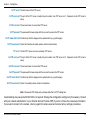
Local FTP server port: The Default port is 21. To connect to an
FTP server, it is recommended that you
do not change the port number unless
your camera is behind a router. If your
camera is behind a router, you can assign
any port number to this field, but you must
enable port forwarding on the router.
Please refer to your router manual for
more information on port forwarding.
1st FTP server: If you are going to upload snapshots
to an FTP server, you will need to fill in
the Domain name or IP address of your
internal/external FTP server such as
dlink.com or 192.168.0.123. (The server
name and IP address will vary depending
on the user.) The following user settings
must be correctly configured for remote
access.
1st FTP user name: Specify the user name to access the
external FTP server (ex. John Smith).
1st FTP password: Specify the password to access the
external FTP server (ex. 12345).
1st FTP remote folder: Specify the destination folder in the
external FTP server (ex. snapshot).
D-Link DCS-2120 User Manual
51