1
Linker Code Optimizations
4.2
www.ti.com
Linker Code Optimizations
These options are used to further optimize your code.
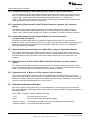
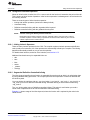
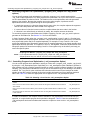
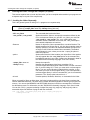
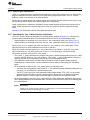
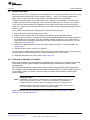
4.2.1 Generate List of Dead Functions (--generate_dead_funcs_list Option)
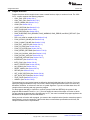
In order to facilitate the removal of unused code, the linker generates a feedback file containing a list of
functions that are never referenced. The feedback file must be used the next time you compile the source
files. The syntax for the --generate_dead_funcs_list option is:
--generate_dead_funcs_list= filename
If filename is not specified, a default filename of dead_funcs.txt is used.
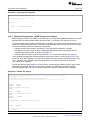
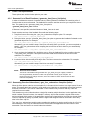
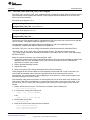
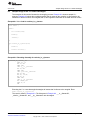
Proper creation and use of the feedback file entails the following steps:
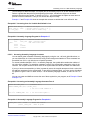
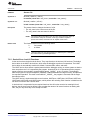
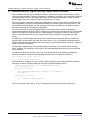
1. Compile all source files using the --gen_func_subsections compiler option. For example:
cl55 file1.c file2.c --gen_func_subsections
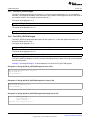
2. During the linker, use the --generate_dead_funcs_list option to generate the feedback file based on the
generated object files. For example:
cl55 --run_linker file1.obj file2.obj --generate_dead_funcs_list=feedback.txt
Alternatively, you can combine steps 1 and 2 into one step. When you do this, you are not required to
specify --gen_func_subsections when compiling the source files as this is done for you automatically.
For example:
cl55 file1.c file2.c --run_linker --generate_dead_funcs_list=feedback.txt
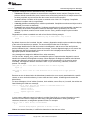
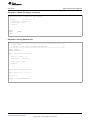
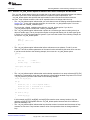
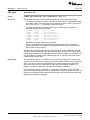
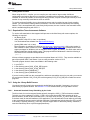
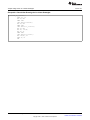
3. Once you have the feedback file, rebuild the source. Give the feedback file to the compiler using the
--use_dead_funcs_list option. This option forces each dead function listed in the file into its own
subsection. For example:
cl55 file1.c file2.c --use_dead_funcs_list=feedback.txt
4. Invoke the linker with the newly built object files. The linker removes the subsections. For example:
cl55 --run_linker file1.obj file2.obj
Alternatively, you can combine steps 3 and 4 into one step. For example:
cl55 file1.c file2.c --use_dead_funcs_list=feedback.txt --run_linker
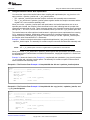
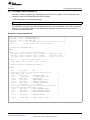
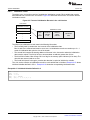
NOTE:
Dead Functions Feedback
The format of the feedback file generated with --gen_dead_funcs_list is tightly controlled. It
must be generated by the linker in order to be processed correctly by the compiler. The
format of this file may change over time, so the file contains a version format number to allow
backward compatibility.
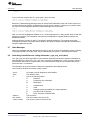
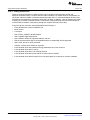
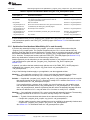
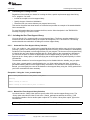
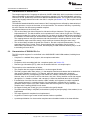
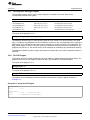
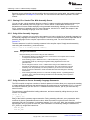
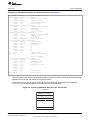
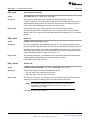
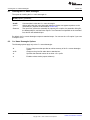
4.2.2 Generating Function Subsections (--gen_func_subsections Compiler Option)
When the linker places code into an executable file, it allocates all the functions in a single source file as a
group. This means that if any function in a file needs to be linked into an executable, then all the functions
in the file are linked in. This can be undesirable if a file contains many functions and only a few are
required for an executable.
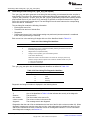
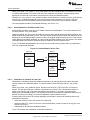
This situation may exist in libraries where a single file contains multiple functions, but the application only
needs a subset of those functions. An example is a library .obj file that contains a signed divide routine
and an unsigned divide routine. If the application requires only signed division, then only the signed divide
routine is required for linking. By default, both the signed and unsigned routines are linked in since they
exist in the same .obj file.
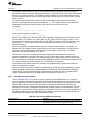
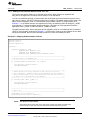
The --gen_func_subsections compiler option remedies this problem by placing each function in a file in its
own subsection. Thus, only the functions that are referenced in the application are linked into the final
executable. This can result in an overall code size reduction.
74
Linking C/C++ Code
Copyright © 2011, Texas Instruments Incorporated
SPRU281G – December 2011
Submit Documentation Feedback