1
Working with Decision Functions
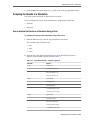
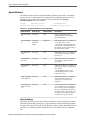
Choosing or Adding Business Phrases in Verbal Rules
Verbal rules use business phrases to specify the IF and THEN tests and actions.
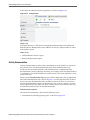
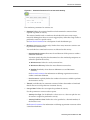
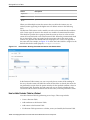
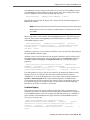
When defining a test or action in a verbal rule, you enter text which triggers a dropdown list of choices. From the list, you can select existing business phrases from the
dictionary, automatically generated business phrases, or you can instantiate your a
new business phrase based on what you typed, provide its implementation details
later in the Business Phrases tab.
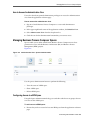
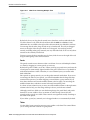
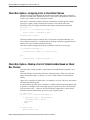
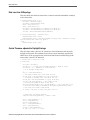
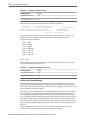
Instantiating New Business Phrases While Authoring a Verbal Rule
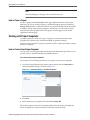
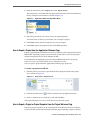
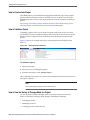
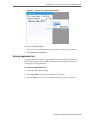
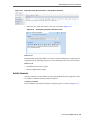
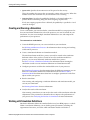
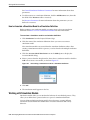
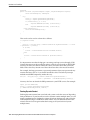
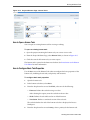
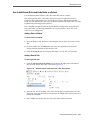
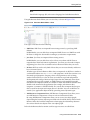
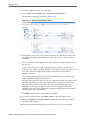
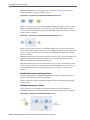
You can instantiate new business phrases while authoring a new verbal rule simply by
typing them into a test or action and clicking <Add New Business Phrase>, instead of
selecting one from the dropdown list. These business phrases are marked draft, and
the verbal rules which use them are also marked as draft.
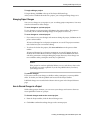
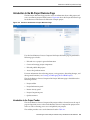
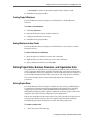
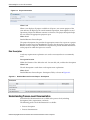
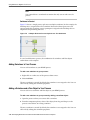
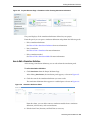
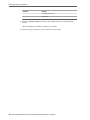
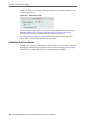
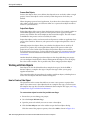
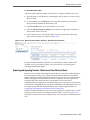
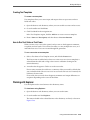
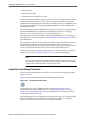
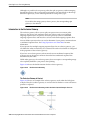
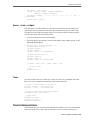
Click Goto Phrase to access the business phrase in the Business Phrases tab.
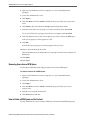
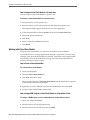
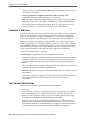
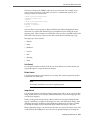
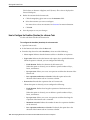
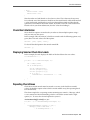
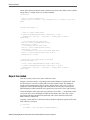
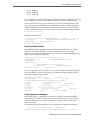
Choosing Business Phrases While Creating a Verbal Rule
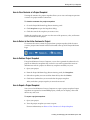
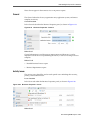
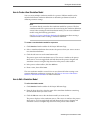
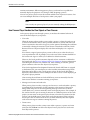
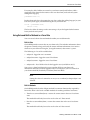
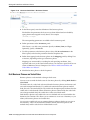
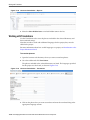
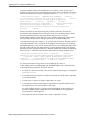
A robust list including both previously user-defined and auto-generated derived
business phrases, sorted by relevancy, is automatically provided as you author a test
or action.
User-defined and derived business phrases are not visually distinguished from one
another in the dropdown list.
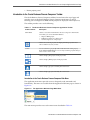
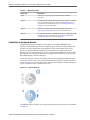
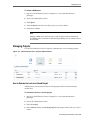
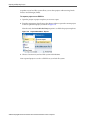
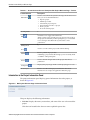
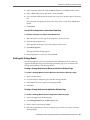
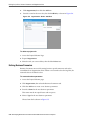
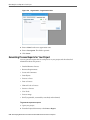
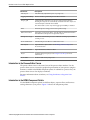
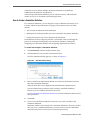
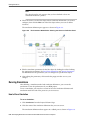
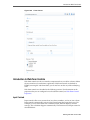
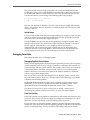
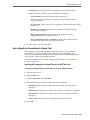
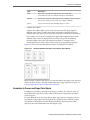
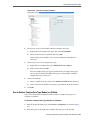
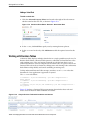
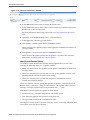
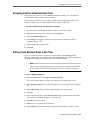
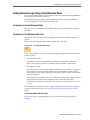
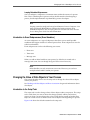
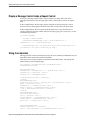
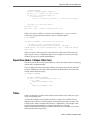
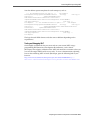
You can refine the list if required. To display more choices, select a business phrase
and press the right arrow key. The list is populated with business phrases related to
the one you selected.
Working with Decision Functions
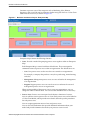
A decision function is a mechanism for publishing rules and rulesets as a reusable
service that can be invoked from multiple business processes. It is the only gateway
into the business logic held in business rules because neither business rules nor
rulesets are accessible from the outside.
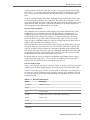
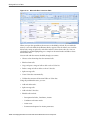
A decision function is a function that is configured declaratively. A decision function
performs the following operations:
• Asserts inputs as rule facts into the Oracle Business Rules Engine working memory.
• Runs rulesets configured in the current decision function and in nested decision
functions in order.
• Returns output facts from the Oracle Business Rules Engine working memory.
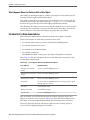
A decision function provides a contract for invoking rules from Java or ServiceOriented Architecture (SOA) (from an SOA composite application or from a BPEL
process). The contract includes input fact types, rulesets to run, and output fact types.
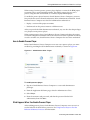
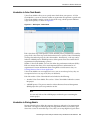
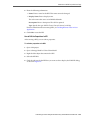
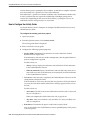
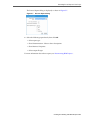
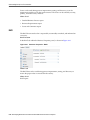
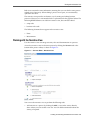
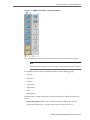
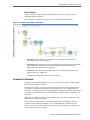
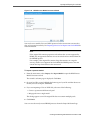
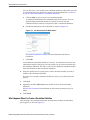
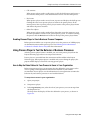
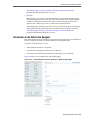
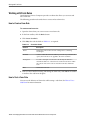
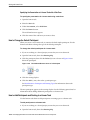
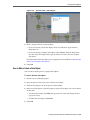
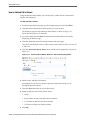
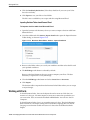
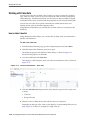
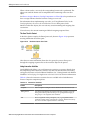
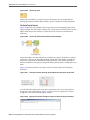
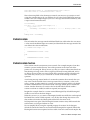
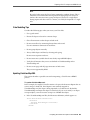
To view and modify a Decision Function:
1. Open the business rule dictionary.
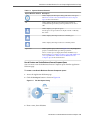
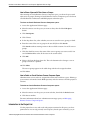
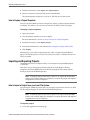
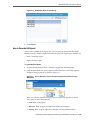
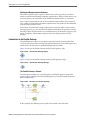
2. Go to the toolbar and click Decision Properties.
Using Oracle Business Rules 17-25