1
Git Community Book
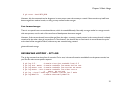
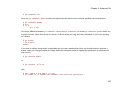
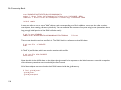
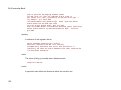
or over http:
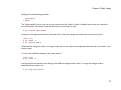
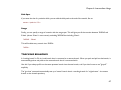
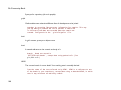
git clone http://www.kernel.org/pub/scm/git/git.git
The git:// protocol is faster and more efficient, but sometimes it is necessary to use http when behind corporate firewalls
or what have you. In either case you should then have a new directory named 'git' that contains all the Git source code
and history - it is basically a complete copy of what was on the server.
By default, Git will name the new directory it has checked out your cloned code into after whatever comes directly before
the '.git' in the path of the cloned project. (ie. git clone http://git.kernel.org/linux/kernel/git/torvalds/linux-2.6.git will result in a
new directory named 'linux-2.6')
Initializing a New Repository
Assume you have a tarball named project.tar.gz with your initial work. You can place it under git revision control as
follows.
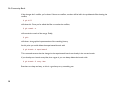
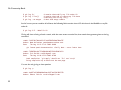
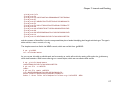
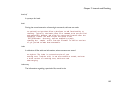
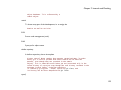
$ tar xzf project.tar.gz
$ cd project
$ git init
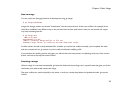
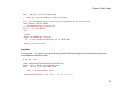
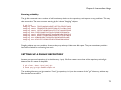
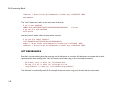
Git will reply
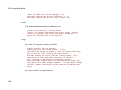
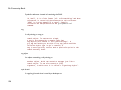
Initialized empty Git repository in .git/
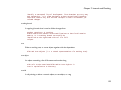
You've now initialized the working directory--you may notice a new directory created, named ".git".
gitcast:c1_init
24