1
OEM/Advantage™
Viewing
g the Java Console log
g via
the Control Panel
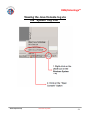
1. Go to Start > Settings > Control Panel to open the Windows
Control Panel
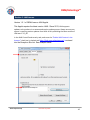
2. Double-click on the “JAVA” icon to open the JAVA Control
Panel
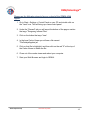
3. Click on the “Advanced” Tab
©The Capitol Group Version 8‐July‐2014
23