1
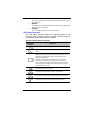
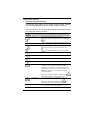
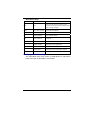
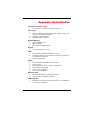
BIOS Action Keys
Function Key
Command
Description
ESC
Exit
Leaves a sub-menu to return to the
previous menu OR exits the BIOS setup
while saving changes.
Enter
Go to Sub Screen
Shows the Sub Menu.
F1
General Help
Shows the Help Screen .
F9
Setup Defaults
Load default values.
F10
Save and Exit
Saves changes and reboots the
computer.
<Tab>
Select a field
Selects the next field.
↑
Select an item
Selects the next upper item.
↓
Select an item
Selects the next lower item.
-
Lower value
Selects the next value within a field.
+
Higher value
Selects the next value within a field.
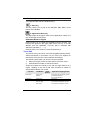
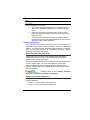
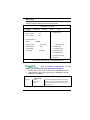
Modifying the BIOS Settings
The AMI BIOS setup main menu is subdivided into sub-menus.
Each menu item is described in this section.
26