1
User Manual
Create New Admin Group
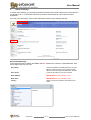
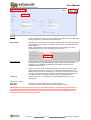
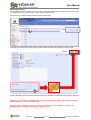
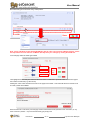
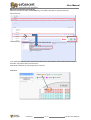
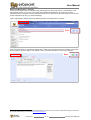
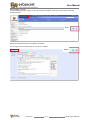
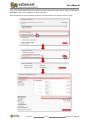
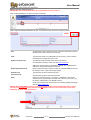
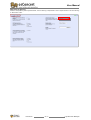
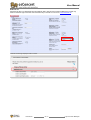
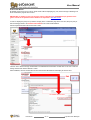
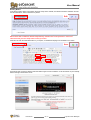
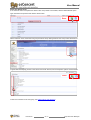
If, for whatever reason a complete new Admin User Group needs to be created, click the NEW GROUP option.
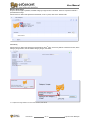
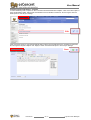
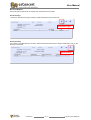
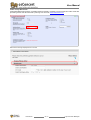
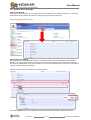
Type new Admin Group Name and click the SAVE button.
Save
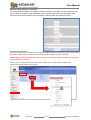
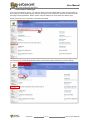
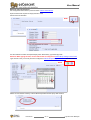
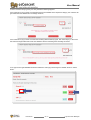
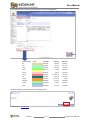
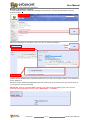
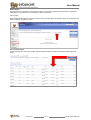
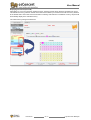
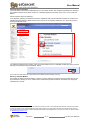
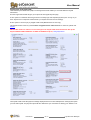
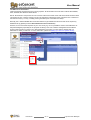
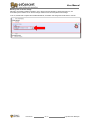
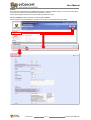
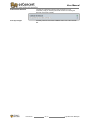
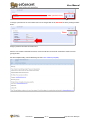
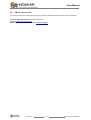
Via the Pull down menu, select the new group via Admin>Shop Settings>Admin User Groups>New Permissions
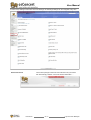
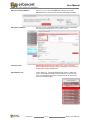
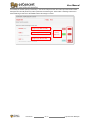
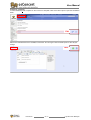
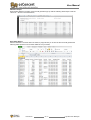
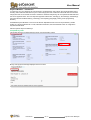
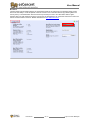
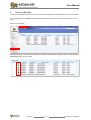
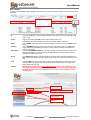
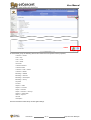
To grant Web Developer(s) access to the various osConcert sections, tick the respective options and click SAVE.
Save
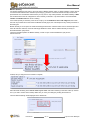
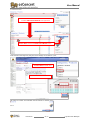
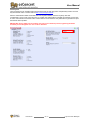
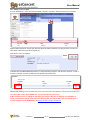
To add a new member to the new group, see Adding Admin User Members.
User Manual
Jan-13
Page 104 of total 108 Pages