1
3.1.2
How to configure the module parameters
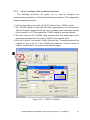
The following procedure will guide you on how to configure the
communication parameters for the CAN and Ethernet interface. The configuration
steps are depicted as below:
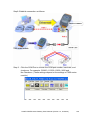
1. Connect the power source (the 10~30 DC volts) into the i-7540D module.
2. The i-7540D module’s Power LED will flash approximately once per second.
And the 5-digits 7-segment LED will scroll to display some messages, please
refer to section 2.4.3. That means the i-7540D module is working normally.
3. The user must run the i-7540D’s Utility software after they have made a wire
connection between the PC and the i-7540D via the network cable
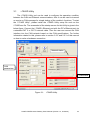
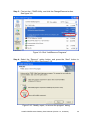
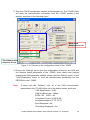
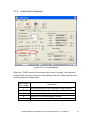
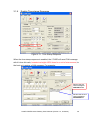
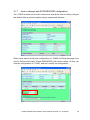
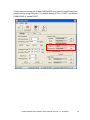
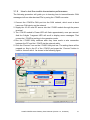
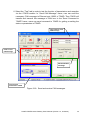
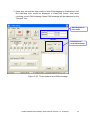
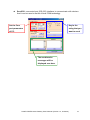
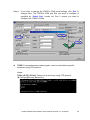
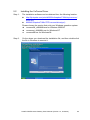
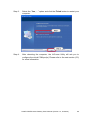
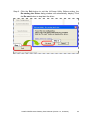
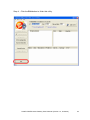
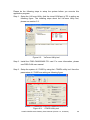
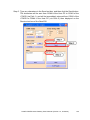
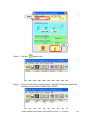
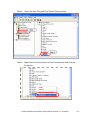
4. Click the “Connect” icon on the i-7540D Utility tool bar. The setting frame will be
popped up. Key-in the IP of the i-7540D and press the “Connect” button in
order to connect with it. As shown in the following figure.
①
②
③
Figure 3-13: i-7540D’s IP setting
i-7540D CAN-Ethernet Gateway User’s Manual (Version 1.3, Oct/2007)
31