1
DigiDash2 - LITE Manual
© ETB Instruments LTD 2005
4
Using the Display
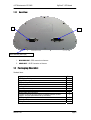
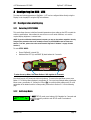
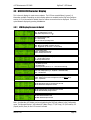
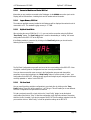
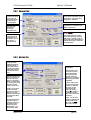
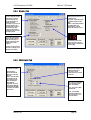
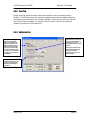
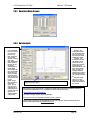
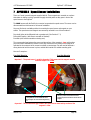
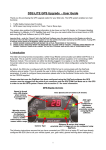
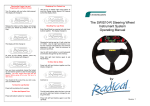
There are two main information areas on the DigiDash2 – LITE Display. These can be cycled
through various displays using the A or B buttons during normal use.
Section 3.2 – RED LED Display
Section 3.3 – Green
LCD Display
Press Button A to
change Green LCD
Display
Press Button B to
change RED LED
Display
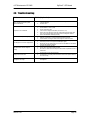
4.1 Button Functions (General Operation)
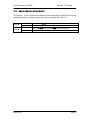
The LITE has two functions per button. A normal button press has one function and prolonged
button press for more than 2 seconds has another. This allows you to switch menus, reset
variables, select different modes such as configuration, all with just two buttons on the display.
Button A
Button B
Version: 1.01
Press Once
Moves to the next LCD display screen
Hold Down
To Start / Stop the Mini-Log Data Record. (If Enabled)
Press Once
Move to the next LED display
Hold Down
Resets current LCD displays (For example Max Hold Screens)
Page 19