1
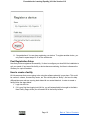
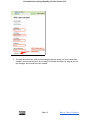
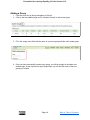
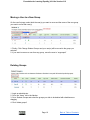
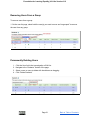
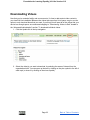
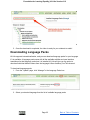
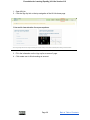
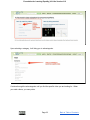
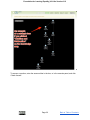
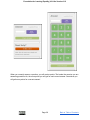
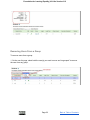
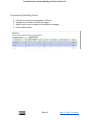
Foundation for Learning Equality | KA Lite Version 0.12 Removing Users From a Group To remove users from a group: 1. On the user list page, select both the user(s) you want to move and “ungrouped” to remove the user from any group. Permanently Deleting Users 1.
2.
3.
4.
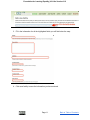
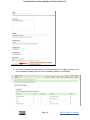
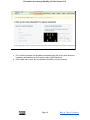
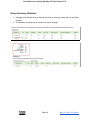
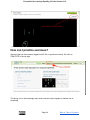
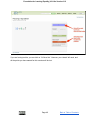
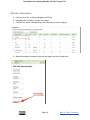
Click the User link in the top navigation of KA Lite. Navigate to the “Students” section of the page. Select a user or users to delete with checkboxes or dragging. Click “Delete Students” Page 21 Back to Table of Contents