1
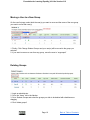
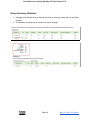
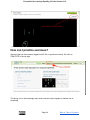
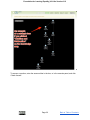
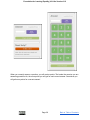
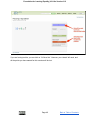
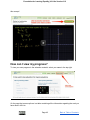
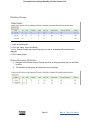
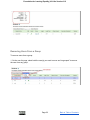
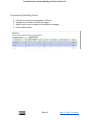
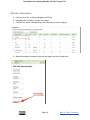
Foundation for Learning Equality | KA Lite Version 0.12 Deleting Groups 1. Login as administrator 2. Go to the “Users” tab in the Navbar 3. Go to Student Groups and select the groups you wish to be deleted with checkboxes or dragging 4. Click “delete groups” Group Summary Statistics 3. Navigate to the Student Groups Section and click on the group name that you would like to select 4. The statistics for that group will show at the top of the page Page 51 Back to Table of Contents