1
Chapter 4: The Model file
98
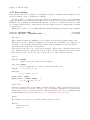
4.20 Macro-processing language
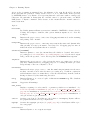
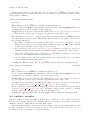
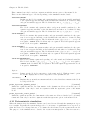
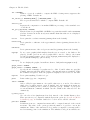
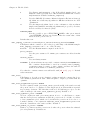
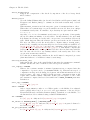
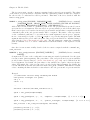
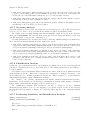
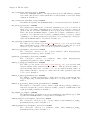
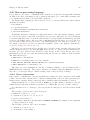
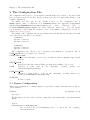
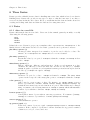
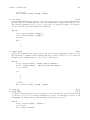
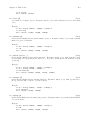
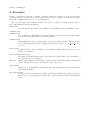
It is possible to use “macro” commands in the .mod file for doing the following tasks: including
modular source files, replicating blocks of equations through loops, conditionally executing some
code, writing indexed sums or products inside equations. . .
The Dynare macro-language provides a new set of macro-commands which can be inserted inside
.mod files. It features:
• file inclusion
• loops (for structure)
• conditional inclusion (if/then/else structures)
• expression substitution
Technically, this macro language is totally independent of the basic Dynare language, and is
processed by a separate component of the Dynare pre-processor. The macro processor transforms
a .mod file with macros into a .mod file without macros (doing expansions/inclusions), and then
feeds it to the Dynare parser. The key point to understand is that the macro-processor only does
text substitution (like the C preprocessor or the PHP language). Note that it is possible to see
the output of the macro-processor by using the savemacro option of the dynare command (see
Section 3.1 [Dynare invocation], page 6).
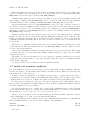
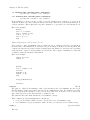
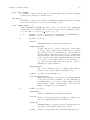
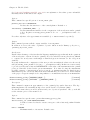
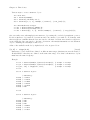
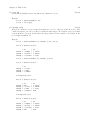
The macro-processor is invoked by placing macro directives in the .mod file. Directives begin
with an at-sign followed by a pound sign (@#). They produce no output, but give instructions to
the macro-processor. In most cases, directives occupy exactly one line of text. In case of need, two
anti-slashes (\\) at the end of the line indicates that the directive is continued on the next line.
The main directives are:
• @#include, for file inclusion,
• @#define, for defining a macro-processor variable,
• @#if, @#ifdef, @#ifndef, @#else, @#endif for conditional statements,
• @#for, @#endfor for constructing loops.
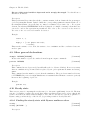
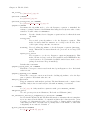
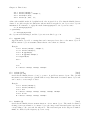
The macro-processor maintains its own list of variables (distinct of model variables and of
MATLAB/Octave variables). These macro-variables are assigned using the @#define directive,
and can be of four types: integer, character string, array of integers, array of strings.
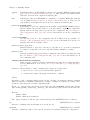
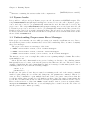
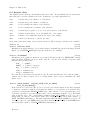
4.20.1 Macro expressions
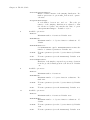
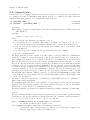
It is possible to construct macro-expressions which can be assigned to macro-variables or used within
a macro-directive. The expressions are constructed using literals of the four basic types (integers,
strings, arrays of strings, arrays of integers), macro-variables names and standard operators.
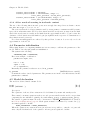
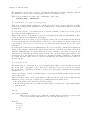
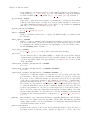
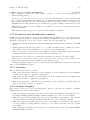
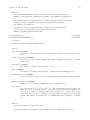
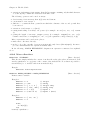
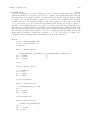
String literals have to be enclosed between double quotes (like "name"). Arrays are enclosed
within brackets, and their elements are separated by commas (like [1,2,3] or ["US", "EA"]).
Note that there is no boolean type: false is represented by integer zero and true is any non-null
integer.
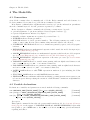
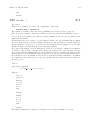
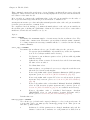
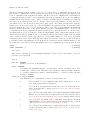
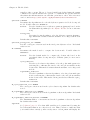
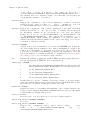
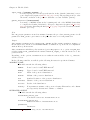
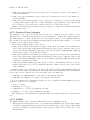
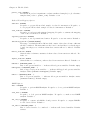
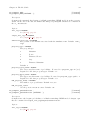
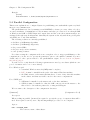
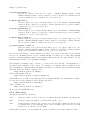
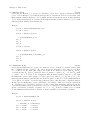
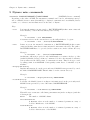
The following operators can be used on integers:
• arithmetic operators: +, -, *, /
• comparison operators: <, >, <=, >=, ==, !=
• logical operators: &&, ||, !
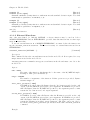
• integer ranges, using the following syntax: INTEGER1:INTEGER2 (for example, 1:4 is equivalent
to integer array [1,2,3,4])
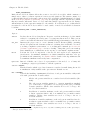
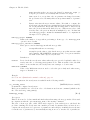
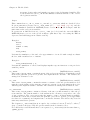
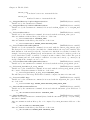
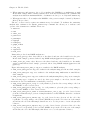
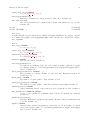
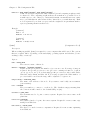
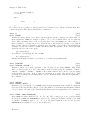
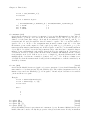
The following operators can be used on strings:
• comparison operators: ==, !=
• concatenation of two strings: +