1
Living Image® 4.3.1 User’s Manual – IVIS® Spectrum CT
Chapter 12 | Quantification Database
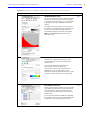
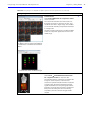
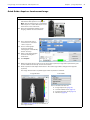
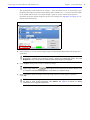
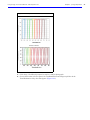
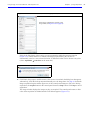
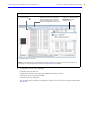
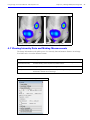
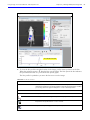
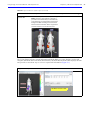
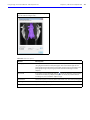
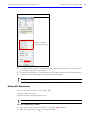
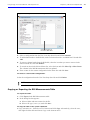
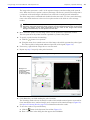
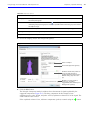
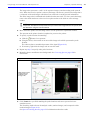
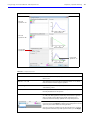
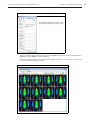
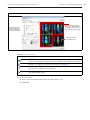
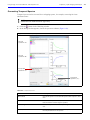
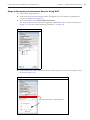
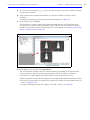
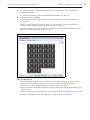
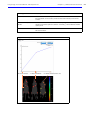
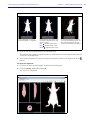
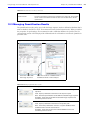
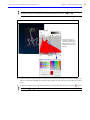
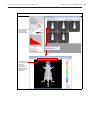
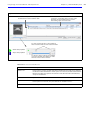
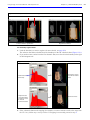
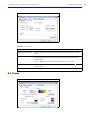
Figure 12.6 Example fluorescence quantification plot and results
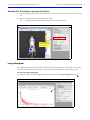
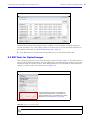
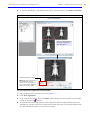
16. Check the linear fit of the data for each image in the quantification plot.
A good fit to the straight line gives confidence to the results values. Large deviations of individual
points from a straight line could indicate possible issues with the dilution series or errors when
entering sample dilution values.
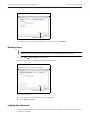
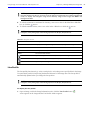
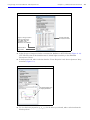
17. To export the quantification plot values:
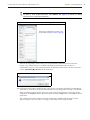
a. Click the
button.
b. In the dialog box that appears, select a folder for the file (.csv) and click Save.
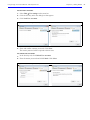
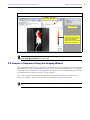
18. To copy the quantification plot values to the system clipboard, click the
button.
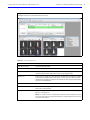
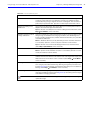
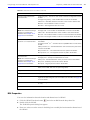
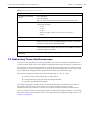
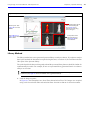
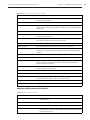
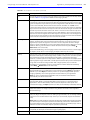
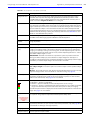
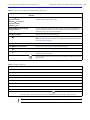
Table 12.1 Quantification results
Item
Description
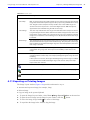
Fluorescence
Excitation (nm)
Emission (nm)
The excitation and emission filter wavelengths for the image. 'Excitation'
and 'Emission' filters will be specified for fluorescent images, and the
'Open' filter for 'Emission' will be specified for bioluminescent images.
Extinction Coeff
A measure of excitation photon absorption interaction with the well plate
samples based on a base-10 logarithmic derivation. The quantum efficiency
factor of the conversion of the absorbed photon to the emission wavelength
is also included.
Cross Section
A measure of excitation photon absorption interaction with the well plate
samples based on a natural logarithmic derivation. The quantum efficiency
factor of the conversion of the absorbed photon to the emission wavelength
is also included.
Bioluminescence
239