1
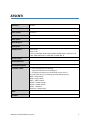
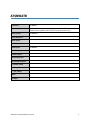
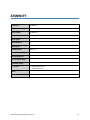
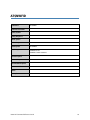
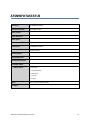
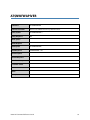
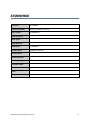
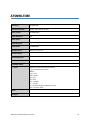
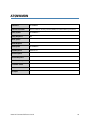
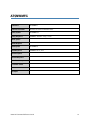
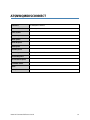
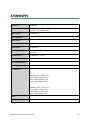
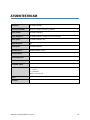
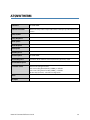
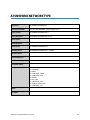
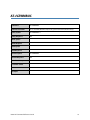
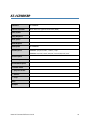
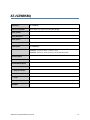
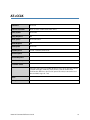
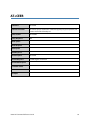
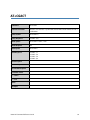
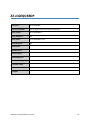
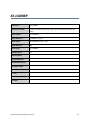
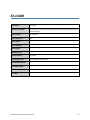
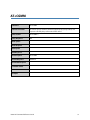
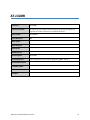
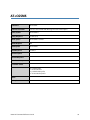
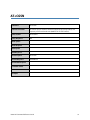
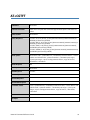
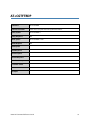
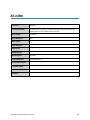
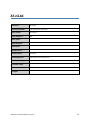
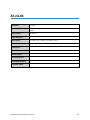
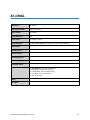
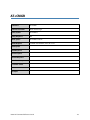
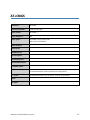
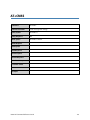
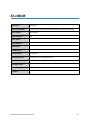
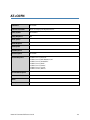
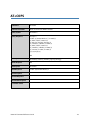
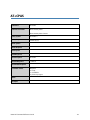
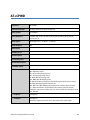
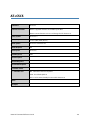
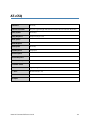
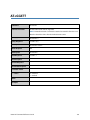
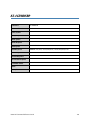
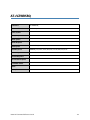
AT$CNTI
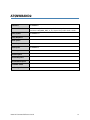
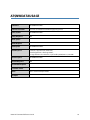
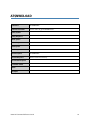
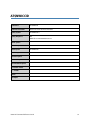
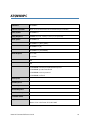
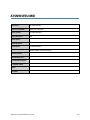
Command
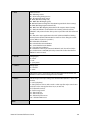
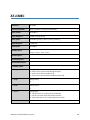
AT$CNTI
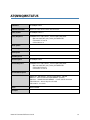
Command Function
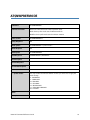
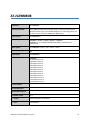
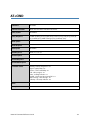
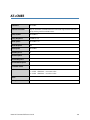
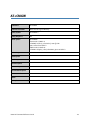
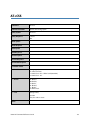
Queries the current network technology.
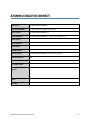
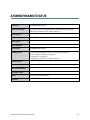
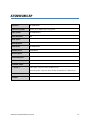
Query Syntax
AT$CNTI=?
Query Response
CNTI: (0-2)
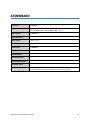
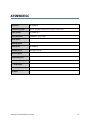
Write Syntax
Write Response
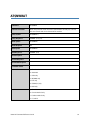
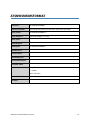
Read Syntax
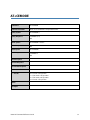
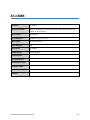
AT$CNTI?
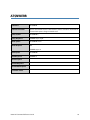
Read Response
$CNTI: 0, LTE
$CNTI: 1, LTE
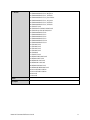
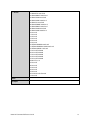
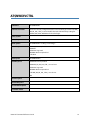
$CNTI: 2, GSM, GPRS, EDGE, UMTS, HSDPA, HSUPA, HSPA+, HSPA+DC, LTE,
1xRTT, EVDO, EVDO_REL_0, EVDO_REL_A, EVDO_REL_B
Execute Syntax
Execute Response
Unsolicited Response
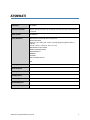
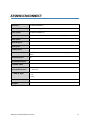
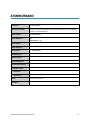
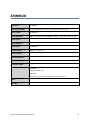
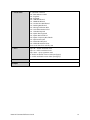
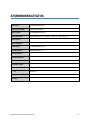
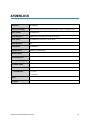
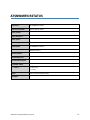
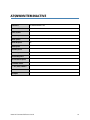
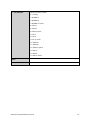
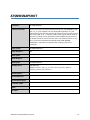
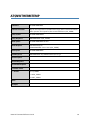
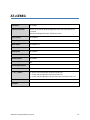
Parameter Values
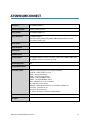
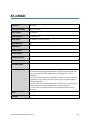
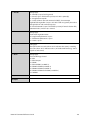
0 - <current network access technology
1 - <supported network access technologies>
2 - <all supported network access technologies by the device>”
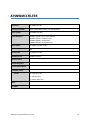
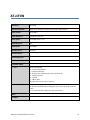
where the network access technologies have the following values:
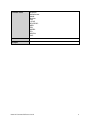
GPRS – GPRS network
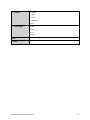
EDGE – Edge network
UMTS – UMTS network
HSDPA – HSDPA network
HSUPA – HSUPA network
HSPA+ – HSPA Plus
HSPA+DC – HSPA plus DC
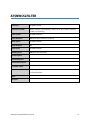
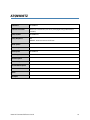
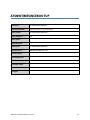
Notes
Examples
U620L AT Command Reference Guide
5