1
Chapter 5. JDBC Interface
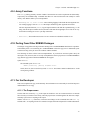
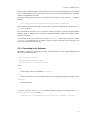
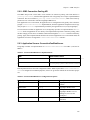
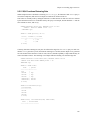
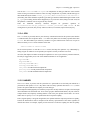
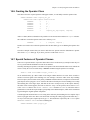
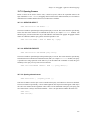
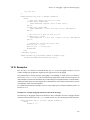
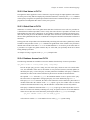
5.2.4. Closing the Connection
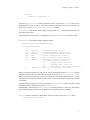
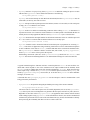
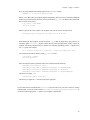
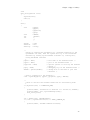
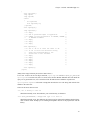
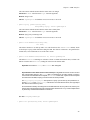
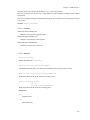
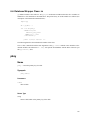
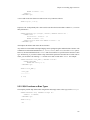
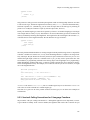
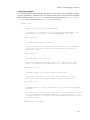
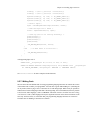
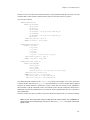
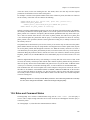
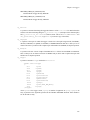
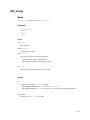
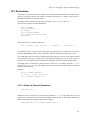
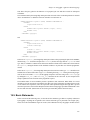
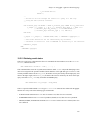
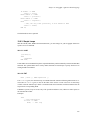
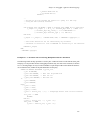
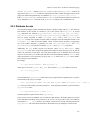
To close the database connection, simply call the close() method to the Connection:
db.close();
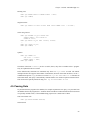
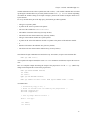
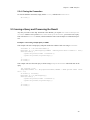
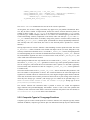
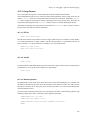
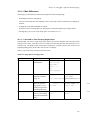
5.3. Issuing a Query and Processing the Result
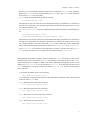
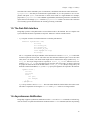
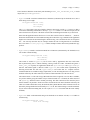
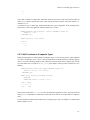
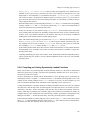
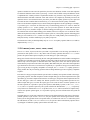
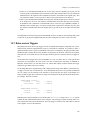
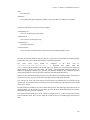
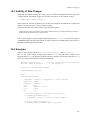
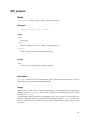
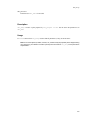
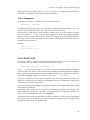
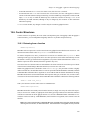
Any time you want to issue SQL statements to the database, you require a Statement or PreparedStatement instance. Once you have a Statement or PreparedStatement, you can use issue a query.
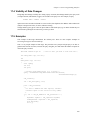
This will return a ResultSet instance, which contains the entire result. Example 5-1 illustrates this process.
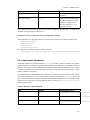
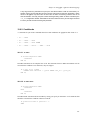
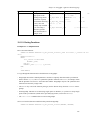
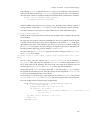
Example 5-1. Processing a Simple Query in JDBC
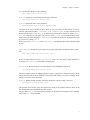
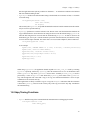
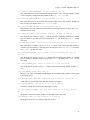
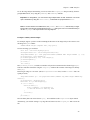
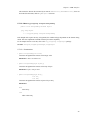
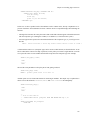
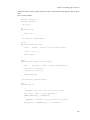
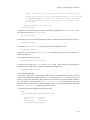
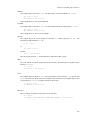
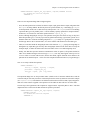
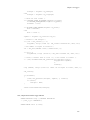
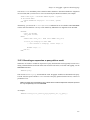
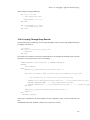
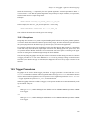
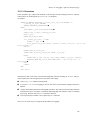
This example will issue a simple query and print out the first column of each row using a Statement.
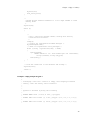
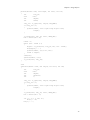
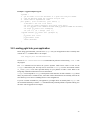
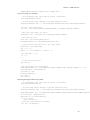
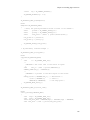
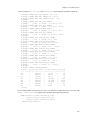
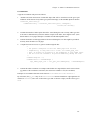
Statement st = db.createStatement();
ResultSet rs = st.executeQuery("SELECT * FROM mytable where columnfoo = 500");
while(rs.next()) {
System.out.print("Column 1 returned ");
System.out.println(rs.getString(1));
}
rs.close();
st.close();
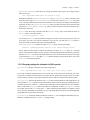
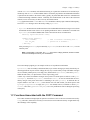
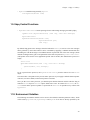
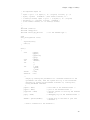
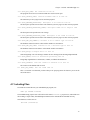
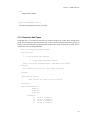
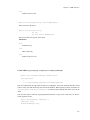
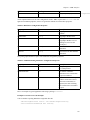
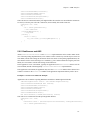
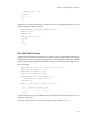
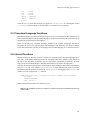
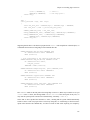
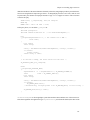
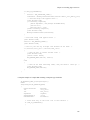
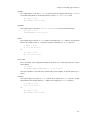
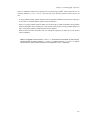
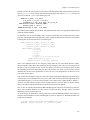
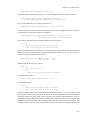
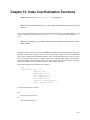
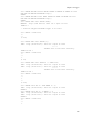
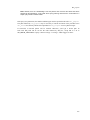
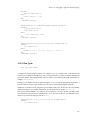
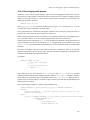
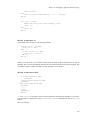
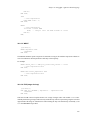
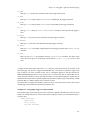
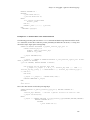
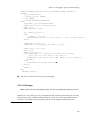
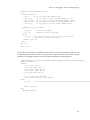
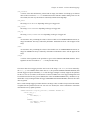
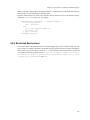
This example will issue the same query as before using a PreparedStatement and a bind value in the
query.
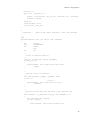
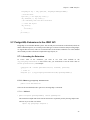
int foovalue = 500;
PreparedStatement st = db.prepareStatement("SELECT * FROM mytable where columnfoo = ?");
st.setInt(1, foovalue);
ResultSet rs = st.executeQuery();
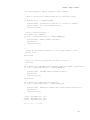
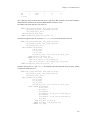
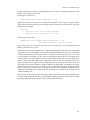
while(rs.next()) {
System.out.print("Column 1 returned ");
System.out.println(rs.getString(1));
}
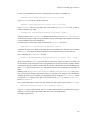
rs.close();
st.close();
80