1
Troubleshooting 115
Other problems with the Tool
Other problems with the Tool
If you find that the Controller is not running correctly and cannot resolve the
problem with either the manual or on-line help then it may help us if we can see
exactly how your system is configured. To do this, have a USB Memory stick
available and follow the next steps:
Export the Tool Settings
1.
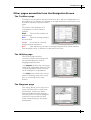
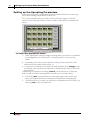
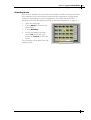
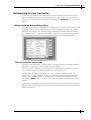
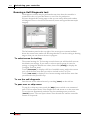
Open the ToolStore page
2.
Select an empty ToolStore slot and use the [Edit] button to give it a
temporary name (Temp for instance).
3.
With this new tool tab active, touch [Save].
4.
Put the storage media into the USB socket and touch [Backup].
5.
Wait until all the data has been saved to disk.
Export Utility Data
6.
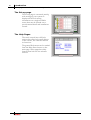
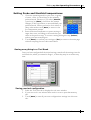
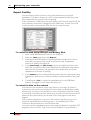
Keep the Memory Stick in the USB socket and select the Utility page.
7.
Touch the [Export] button and select the maximum and minimum
temperatures for all zones and then touch [Export] to save the data to the
USB Flash Memory.
Send us the resultant files
8.
Take the Memory Stick to your computer and prepare an e-mail with a brief
description of your problem.
9.
Attach the Tool Settings and Export Data files to the e-mail and send it to:
[email protected]
On receipt of your mail and attachment, we can load your file into one of our
own controllers and should be able to track down the problem.
Issue 9.6
User Manual for MTS Console