1
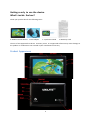
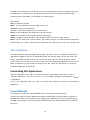
Tap “Play" to enter the playback interface and start music playback or you may also tap the song
name directly. On the playback interface, you can tap on the function bar to adjust the playback time,
backward, forward, play, pause, shuffle, or repeat.
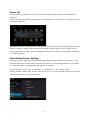
Super-HD Player:
Go to application menu, tap on “Super-HD Player" to enter the Super-HD Player interface and it
will show how many image and/or video files are available inside the device.
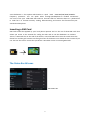
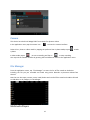
Tap on video, it will show the list of the video files in a small icon. Tap the file that you want to view
to start playback. You can adjust the volume, play/pause, backward, forward, go back or go to
submenu for more setting options by tapping the appropriate icon on the function bar.
14