1
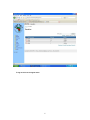
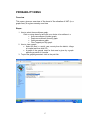
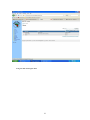
CHANGE PASSWORD MENU Overview This interface provides the administrator the ability to change user passwords. Steps:1. How to change the password; Enter the old password. Enter the new password. Verify the new password by entering it again. Submit for database update. To log out click on the logout menu 20