1
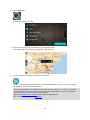
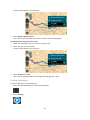
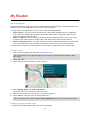
Tip: You can switch between seeing the results on the map or in a list by selecting the
list/map button:
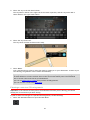
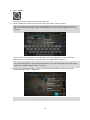
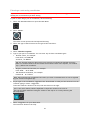
5. Select a POI type or an individual POI. If you selected a POI type, select a POI.
The location is shown on the map.
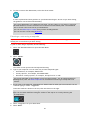
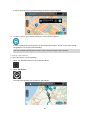
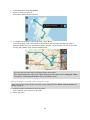
6. To plan a route to this destination, select the drive button:
A route is planned and then guidance to your destination begins. As soon as you start driving,
the guidance view is shown automatically.
Tip: If your destination is in a different time zone, you see a plus (+) or a minus (-) sign and
the time difference in hours and half hours in the arrival information panel. The estimated
time of arrival is the local time at your destination.
Tip: You can add a stop to a route that you have already planned.
Tip: You can save a route using My Routes.
Planning a route using the map
Important: In the interest of safety and to avoid distractions while you are driving, you should
always plan a route before you start driving.
To plan a route using the map, do the following:
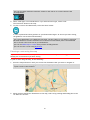
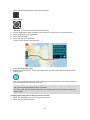
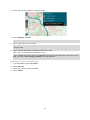
1. Move the map and zoom in until you can see the destination that you want to navigate to.
Tip: You can also select a map symbol to open the pop-up menu, then select the drive button
to plan a route to that location.
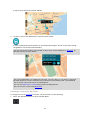
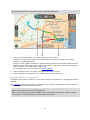
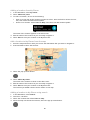
2. When you have found your destination on the map, select it by pressing and holding the screen
for about one second.
51