1
5 WORKING WITH VECTOR DATA
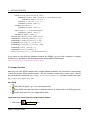
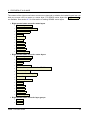
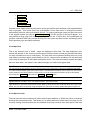
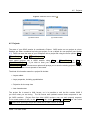
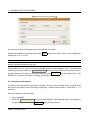
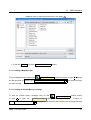
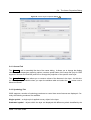
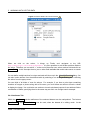
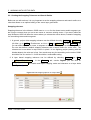
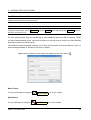
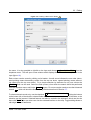
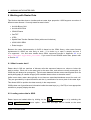
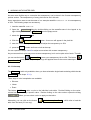
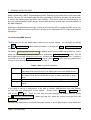
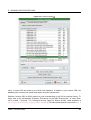
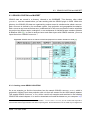
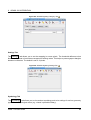
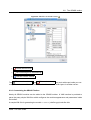
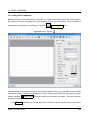
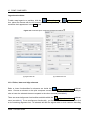
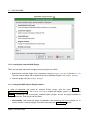
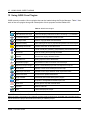
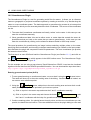
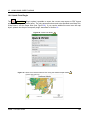
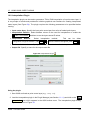
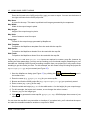
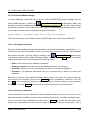
Figure 5: Add Vector Layer Dialog
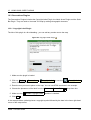
You can also select the Encoding type for the shapefile if desired.
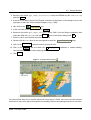
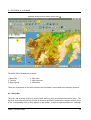
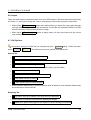
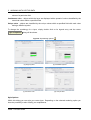
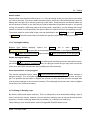
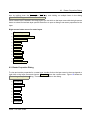
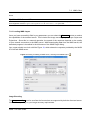
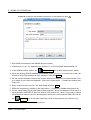
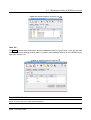
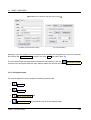
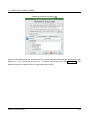
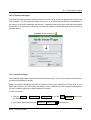
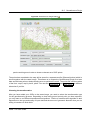
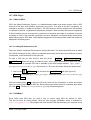
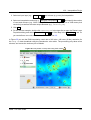
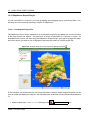
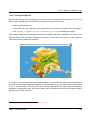
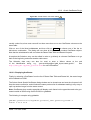
Selecting a shapefile from the list and clicking Open
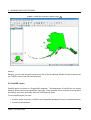
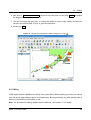
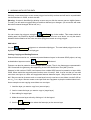
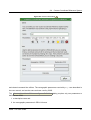
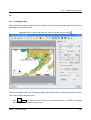
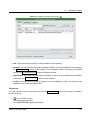
loading the alaska.shp file.
loads it into QGIS. Figure 7 shows QGIS after
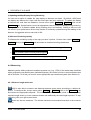
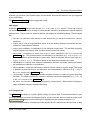
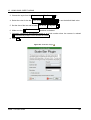
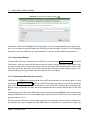
Tip 8 L AYER C OLORS
When you add a layer to the map, it is assigned a random color. When adding more than one layer at a time,
different colors are assigned to each layer.
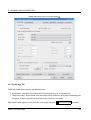
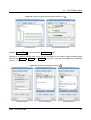
Once loaded, you can zoom around the shapefile using the map navigation tools. To change the
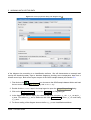
symbology of a layer, open the Layer Properties dialog by double clicking on the layer name or
by right-clicking on the name in the legend and choosing Properties from the popup menu. See
Section 5.4.2 for more information on setting symbology of vector layers.
5.1.2 Improving Performance
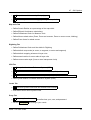
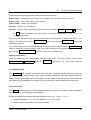
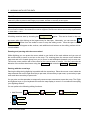
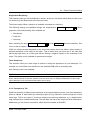
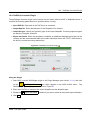
To improve the performance of drawing a shapefile, you can create a spatial index. A spatial index
will improve the speed of both zooming and panning. Spatial indexes used by QGIS have a .qix
extension.
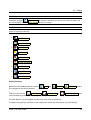
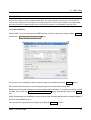
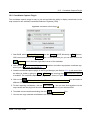
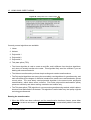
Use these steps to create the index:
• Load a shapefile.
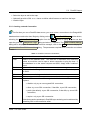
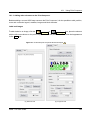
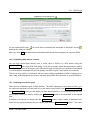
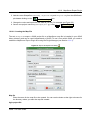
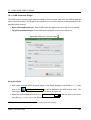
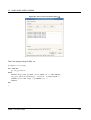
• Open the Layer Properties dialog by double-clicking on the shapefile name in the legend or
by right-clicking and choosing Properties from the popup menu.
QGIS 1.1.0 User Guide
30