1
Tools
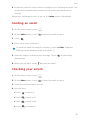
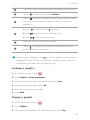
2. Touch
.
3. Touch
to the right of the city you want to set as the default city.
To rearrange the cities, in the city list, touch
> Rearrange cities.
Updating the weather
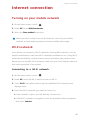
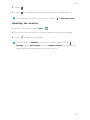
1. On the home screen, touch Tools >
.
2. Flick left or right to find the city whose weather you want to update.
3. Touch
to update the weather.
You can also set Weather to automatic update mode. Touch
>
Settings, select Auto update, and set Update interval. Your phone will
then update the weather at the interval you set.
58