1
Chapter 5
Video
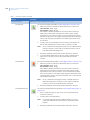
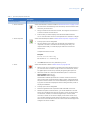
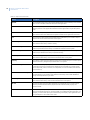
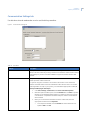
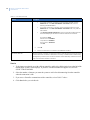
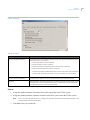
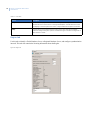
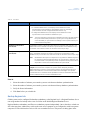
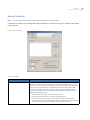
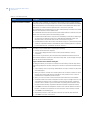
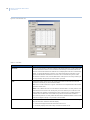
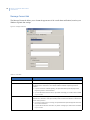
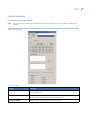
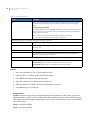
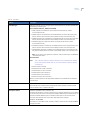
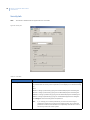
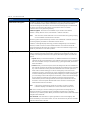
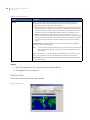
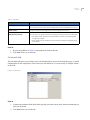
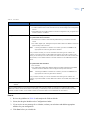
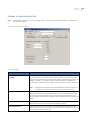
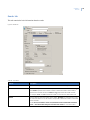
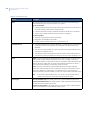
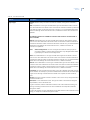
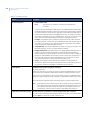
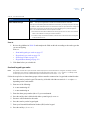
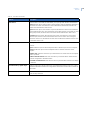
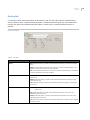
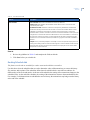
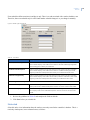
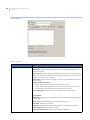
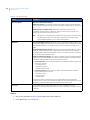
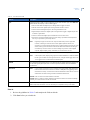
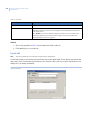
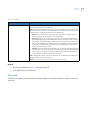
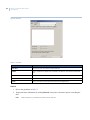
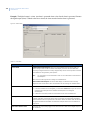
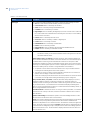
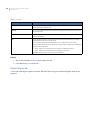
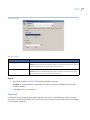
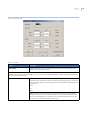
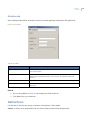
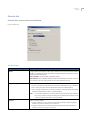
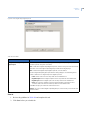
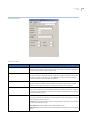
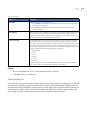
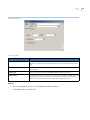
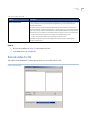
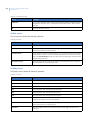
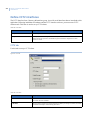
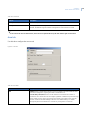
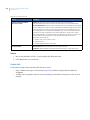
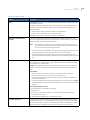
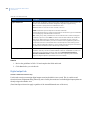
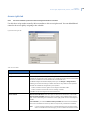
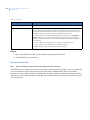
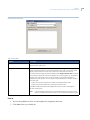
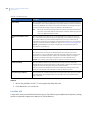
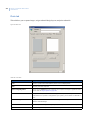
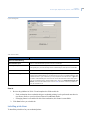
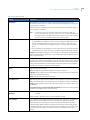
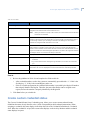
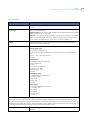
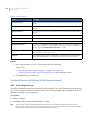
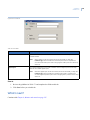
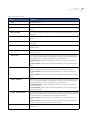
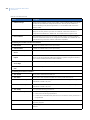
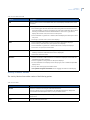
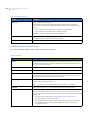
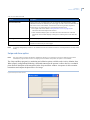
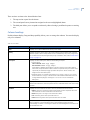
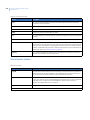
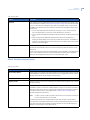
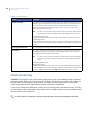
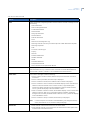
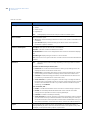
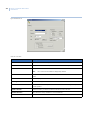
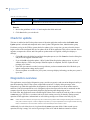
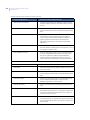
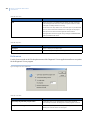
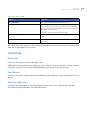
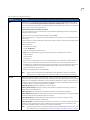
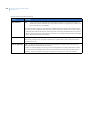
Table 132. Form fields (continued)
Element
Description
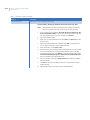
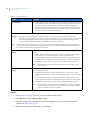
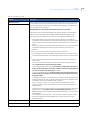
Enable Message
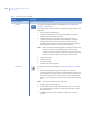
An enable message is automatically generated when you select a number in the CCTV
Alarm field. You can edit these messages, but any changes to the CCTV alarm number
overwrite the changes to this message.
Disable Message
A disable message is automatically generated when you select a number in the CCTV
Alarm field. You can edit these messages, but any changes to the CCTV alarm number
overwrites the changes to this message.
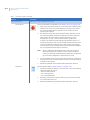
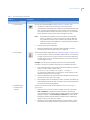
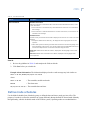
Reset CCTV Alarm
When the alarm for this application is cleared from the Alarm Monitor: Select this
option if you want the CCTV alarm to reset when the alarm is cleared from the Alarm
Monitor.
When the alarm Resets: Select this option if you want the CCTV alarm to reset when the
alarm is reset in the application.
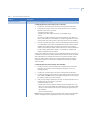
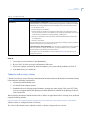
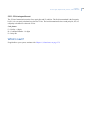
How to
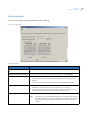
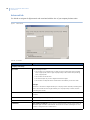
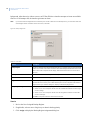
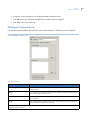
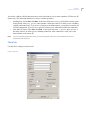
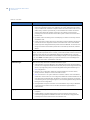
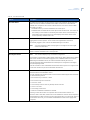
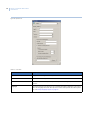
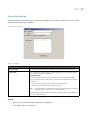
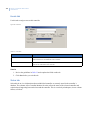
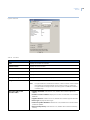
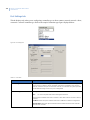
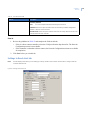
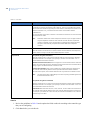
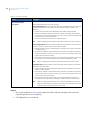
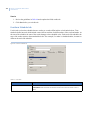
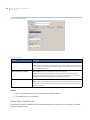
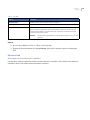
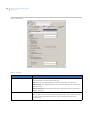
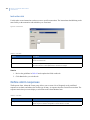
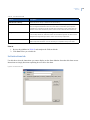
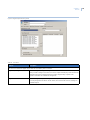
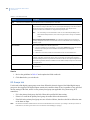
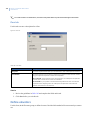
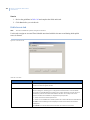
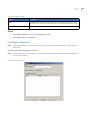
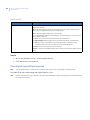
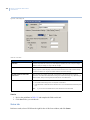
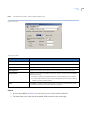
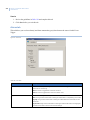
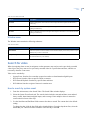
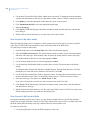
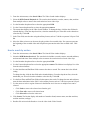
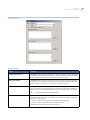
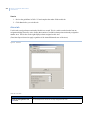
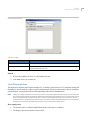
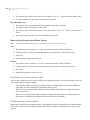
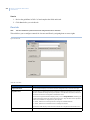
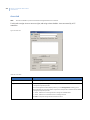
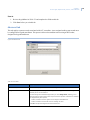
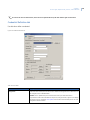
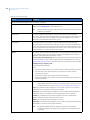
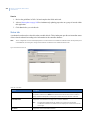
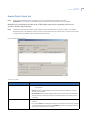
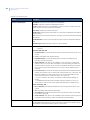
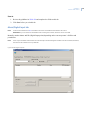
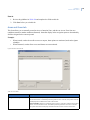
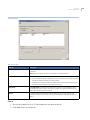
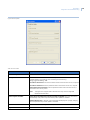
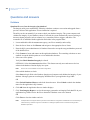
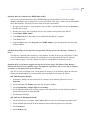
1. Review the guidelines in Table 132 and complete the fields on this tab.
2. Click Save before you exit this tab.
What’s next?
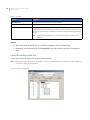
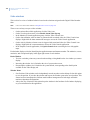
Continue with Chapter 6, Areas and intrusion zones on page 219, if appropriate for your system.
217