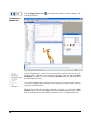
1
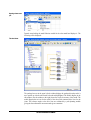
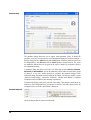
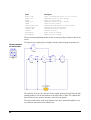
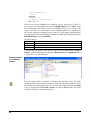
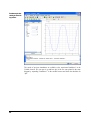
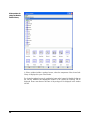
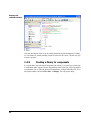
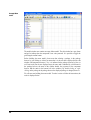
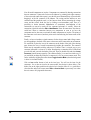
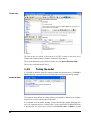
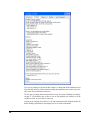
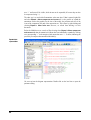
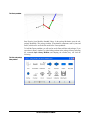
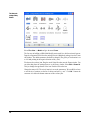
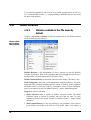
The Joints subpackage library
window.
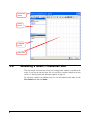
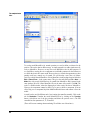
Select File > New… > Model and give the name Furuta.
The first step in building a MBS (MultiBody System) model is to define an inertial system.
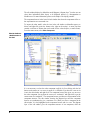
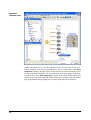
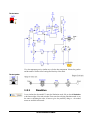
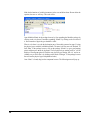
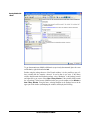
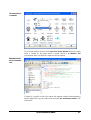
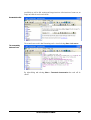
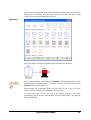
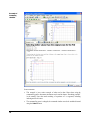
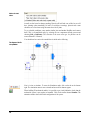
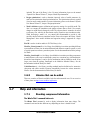
Drag the component World from the package browser (Multibody package) into the Furuta
edit window. The default parameters need not be changed. (The gravity of acceleration is set
to 9.81 and pointing in the negative direction of the y axis).
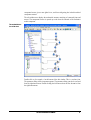
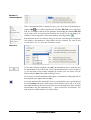
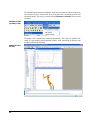
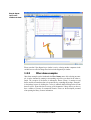
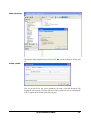
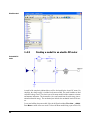
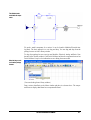
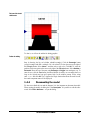
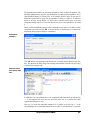
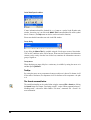
We then need a revolute joint. Drag the model Joints.Revolute onto the Furuta window. You
can either drag from the package browser or the library window. Select Edit > Rotate 90.
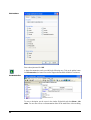
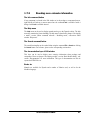
This just changes the appearance of the icon. Double-click on the icon.
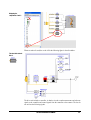
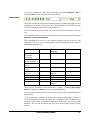
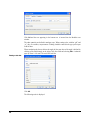
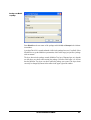
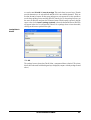
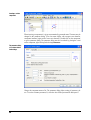
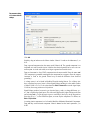
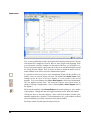
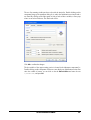
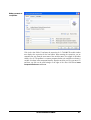
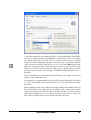
Change the name to R1. The axis of rotation is set as the parameter n. We would like to have
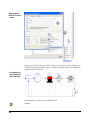
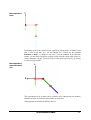
a vertical axis of rotation; use the list of choices and select “y axis”. Click OK. Connect the
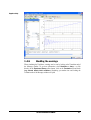
connector of world to the bottom connector of the revolute joint.
74